
Best In-Dash Video Car Stereos
My in-dash video picks cover sharp HD screens, HDMI, disc playback, and the rare single-DIN flip-out. Front-screen video is for parked use, and rear-seat playback needs a properly designed output path — those are two different jobs, and plenty of receivers only do one of them.
This guide is about the source and display in the dash
This is the narrow slice of head units that do more than put CarPlay on a screen. I'm looking for usable video inputs and playback, a display you can actually read, the right parking-brake safeguards, and — where rear-seat screens matter — a real video-output path.
The JVC KW-M795BW leads with a sharp fixed 720p panel, HDMI, and an HD-camera path. The Sony XAV-AX8500 adds a 10.1-inch floating screen and three cameras. The JVC KW-V960BW and Pioneer AVH-3500NEX keep DVD/CD playback alive for double-DIN and single-DIN openings, which is a shrinking list every year.
This one doesn't replace the separate passenger video-player guide for headrest, portable, and overhead systems. Use front-screen full-motion video only when parked and where it's legal, and read my video-safety guide before you plan the system.
Compare my 4 in-dash video picks
| Best for ↕ | My pick ↕ | Screen Size ↕ | Head Unit Size ↕ | Rating ↕ | Buy |
|---|---|---|---|---|---|
| Best Overall | 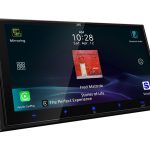 JVC KW-M795BW JVC KW-M795BW | 6.92 in capacitive anti-glare/anti-fingerprint | Double-DIN, 4 5/16-in chassis depth | Buy Now $479.00 on Crutchfield | |
| Best Big-Screen Video | 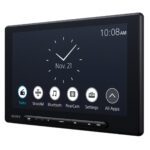 Sony XAV-AX8500 Sony XAV-AX8500 | 10.1″ floating | Single-DIN (floating) | Buy Now $798.00 on Amazon | |
| Best Built-In Disc Receiver | 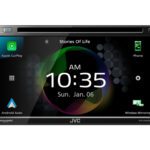 JVC KW-V960BW JVC KW-V960BW | 6.8″ | Double-DIN | Buy Now $949.00 on Amazon | |
| Best Single-DIN Disc Receiver | 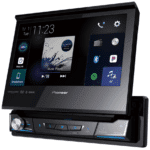 Pioneer AVH-3500NEX Pioneer AVH-3500NEX | 7″ | Single-DIN (flip-out) | Buy Now $779.99 on Amazon |
CarAudioNow may earn a commission from retailer links. Brands do not influence the recommendations.
How I evaluate in-dash video receivers
I compare panel quality, HDMI/USB/disc playback, supported formats, parking-brake safeguards, rear-screen output, phone integration, audio outputs, and the physical install. These exact finalists are researched and vetted against current manufacturer and authorized-retailer documentation — I haven't had these particular units in a dash myself.
Resolution, glare control, viewing angle, and where the screen ends up all decide whether maps, cameras, and parked video are easy to see. A panel that looks great on a bench can wash out at four in the afternoon with the sun behind you.
I separate HDMI and USB digital sources from DVD/CD mechanisms, then verify the formats and resolutions the receiver actually supports rather than the ones the box implies.
The parking-brake interlock and your local law control front-screen playback. I don't treat bypassing a safety system as a feature, and I won't rank a deck higher because it's easy to defeat.
An HDMI input doesn't guarantee a rear-video output — they're separate features, and mixing them up is the most common way a rear-screen build goes sideways. I check the output and dual-zone behavior when passenger screens are part of the goal.
Preouts, tuning, wireless phone integration, chassis depth, motorized or floating-screen clearance, and the adapters still matter. A deck that fits the opening but not the space behind it is still a deck that doesn't fit.
Four questions before choosing a video head unit
- HDMI or discs? The M795BW and AX8500 are the digital and HDMI choices. The KW-V960BW and AVH-3500NEX keep DVD and CD playback, and if you've got a disc collection you actually use, that's the whole decision.
- Front screen or rear passengers? Front-screen video is for parked use. A rear-seat system needs a receiver with the right video output and usually dual-zone behavior, so the kids can watch a movie while you keep navigation up front.
- Fixed, floating, or flip-out? The screen format changes the fit more than the screen size does. Confirm the opening, the depth behind it, vent and HVAC clearance, and the shifter path before you buy anything.
- What audio system follows? Look for clean preouts with enough voltage for the amplifier you're planning. The M795BW runs 3V outputs, and the other picks differ — that number decides how hard your amp has to work.
My best in-dash video stereos for 2026
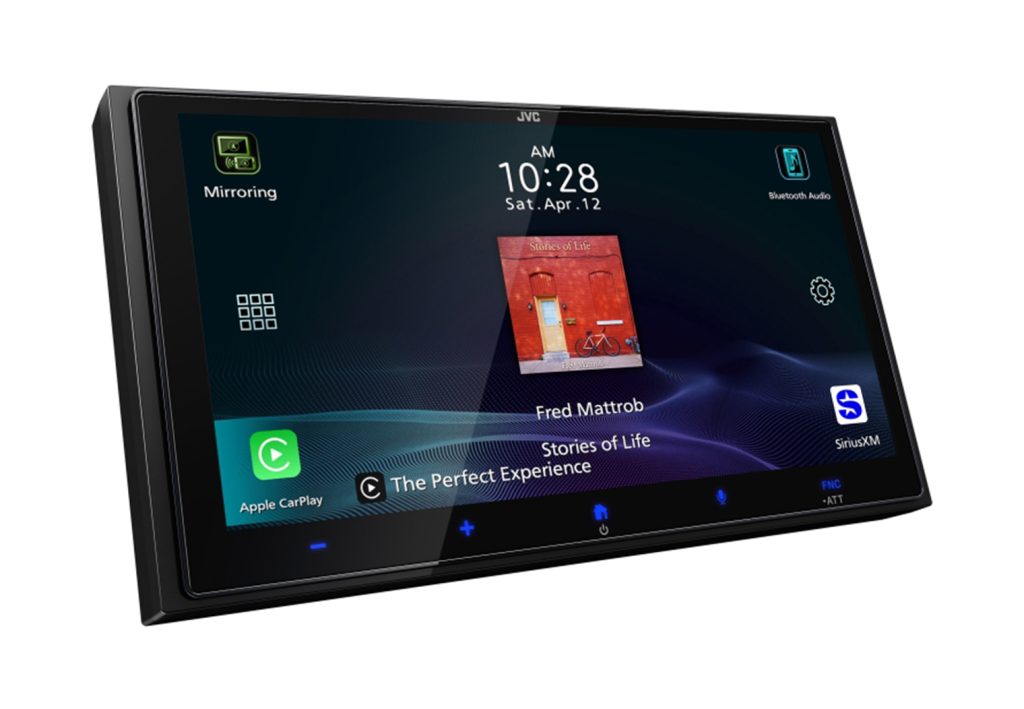
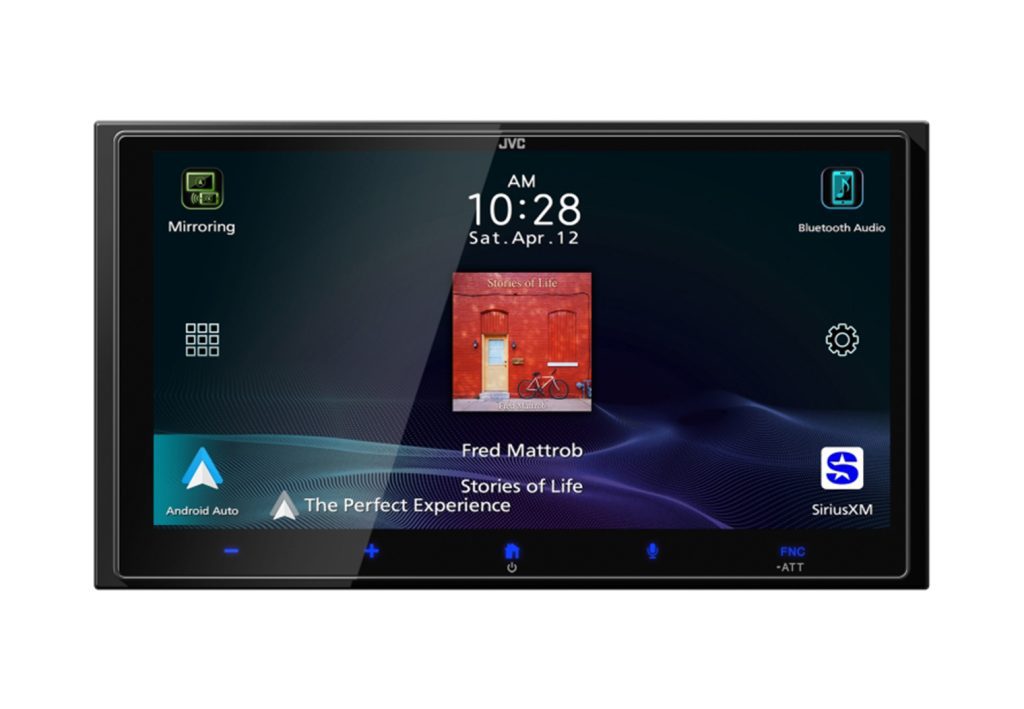
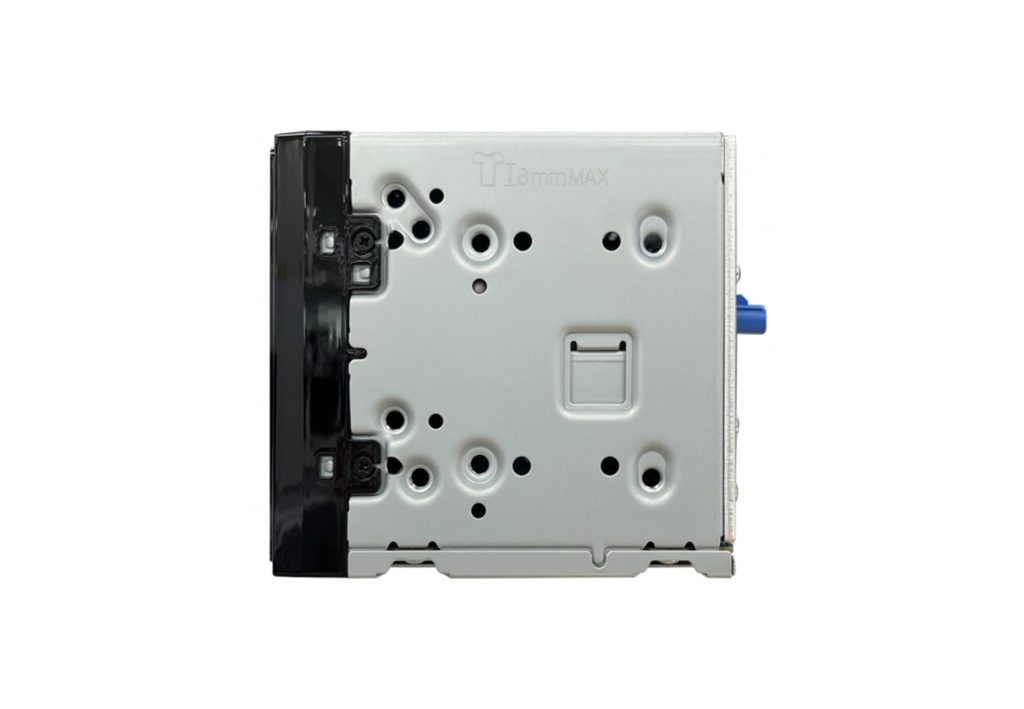
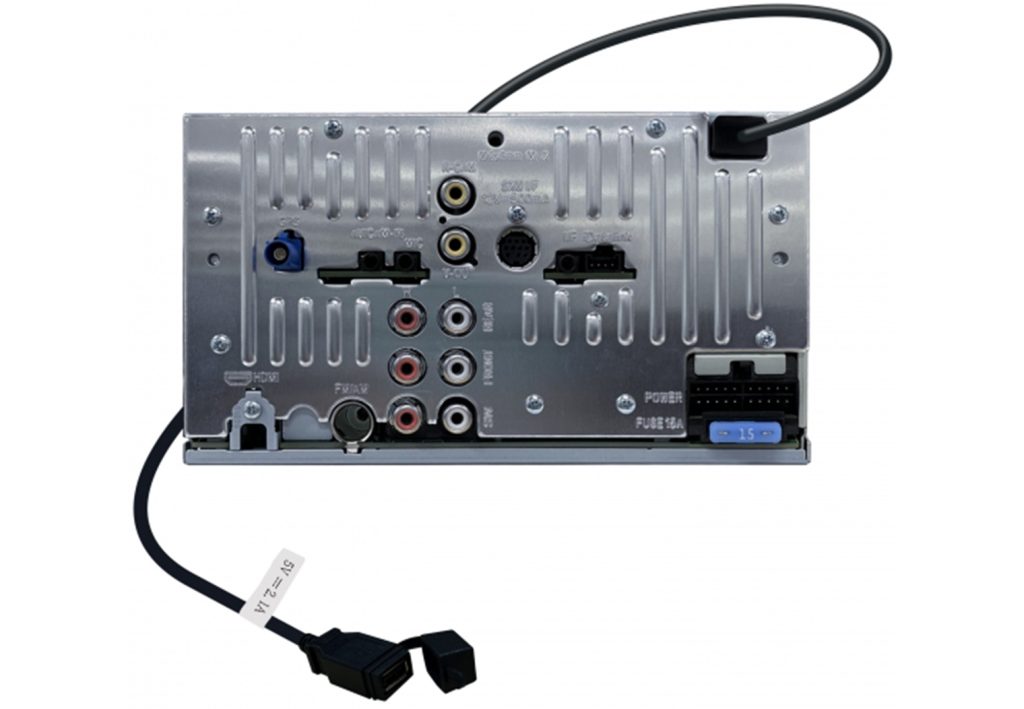
JVC KW-M795BW
6.92-inch 720p screen · HDMI · HD camera · wireless CarPlay/AA
CarAudioNow may earn a commission from retailer links. Brands do not influence the recommendations.
Why I picked it
I picked the KW-M795BW because it puts the screen features that actually improve video into a conventional double-DIN receiver at around $500. The 6.92-inch panel is a native 1280 by 720 capacitive display with anti-glare and anti-fingerprint treatment — not another 800 by 480 screen wearing an “HD” sticker. It takes an HDMI source and a compatible 720p rear camera, plus a second switchable A/V or camera input. That makes it a fresher recommendation than the older disc-based Pioneer AVH-W4500NEX.
Daily phone integration is current too. CarPlay and Android Auto run wired or wireless, Bluetooth is 5.3, and Maestro RR/RR2 covers compatible vehicles. The audio section has three pairs of 3V outputs, a 13-band EQ, time alignment, and a three-way crossover. JVC also pushed firmware in May 2026, which tells me more about how this deck will age than a new model number with no support history behind it.
I haven't installed or bench-tested this receiver, and its owner-review history is still short. There's no built-in HD Radio, no physical volume control, and the 4 5/16-inch chassis is shorter than the old disc decks without being genuinely shallow. The two-year U.S. warranty and roughly $500 price help offset that. If you want a sharp fixed screen for CarPlay maps, HDMI video while parked, or a proper HD backup camera, the display hardware here is unusually good for the money.
| Make | JVC |
| Model | KW-M795BW |
| Head Unit Size | Double-DIN, 4 5/16-in chassis depth |
| Screen Size | 6.92 in capacitive anti-glare/anti-fingerprint |
| Display Resolution | 1280 x 720 |
| Smartphone Integration | Wired/wireless Apple CarPlay and Android Auto |
| Preamp Voltage | 3V, front/rear/sub |
| Power Output | 22W x 4 full bandwidth at less than 10% THD |
| Audio Tuning | 13-band EQ, time alignment, 3-way crossover |
| Camera Inputs | 2 paths; HD rear plus switchable A/V/camera input |
| Factory Integration | Maestro RR/RR2 ready, vehicle dependent |
| Media / Expansion | HDMI, USB, Bluetooth 5.3, SiriusXM-ready; no HD Radio |
| Warranty | 2 years U.S. through an authorized seller |
| Typical Price | Around $500 |
Reasons to buy
- Native 1280 x 720 panel at a midrange price, not an upscaled 800 x 480.
- HDMI input and a compatible 720p rear camera make the screen hardware count.
- Wireless CarPlay and Android Auto with Bluetooth 5.3.
- Maestro RR/RR2, three-way crossover, and three preout pairs for later upgrades.
- Two-year warranty plus a 2026 firmware update behind it.
Reasons not to buy
- No built-in HD Radio.
- 3V outputs trail the 5V premium receivers on a larger amp system.
- No knob or hard-button strip for tactile control.
- Short owner history next to the mature Sony and Kenwood platforms.
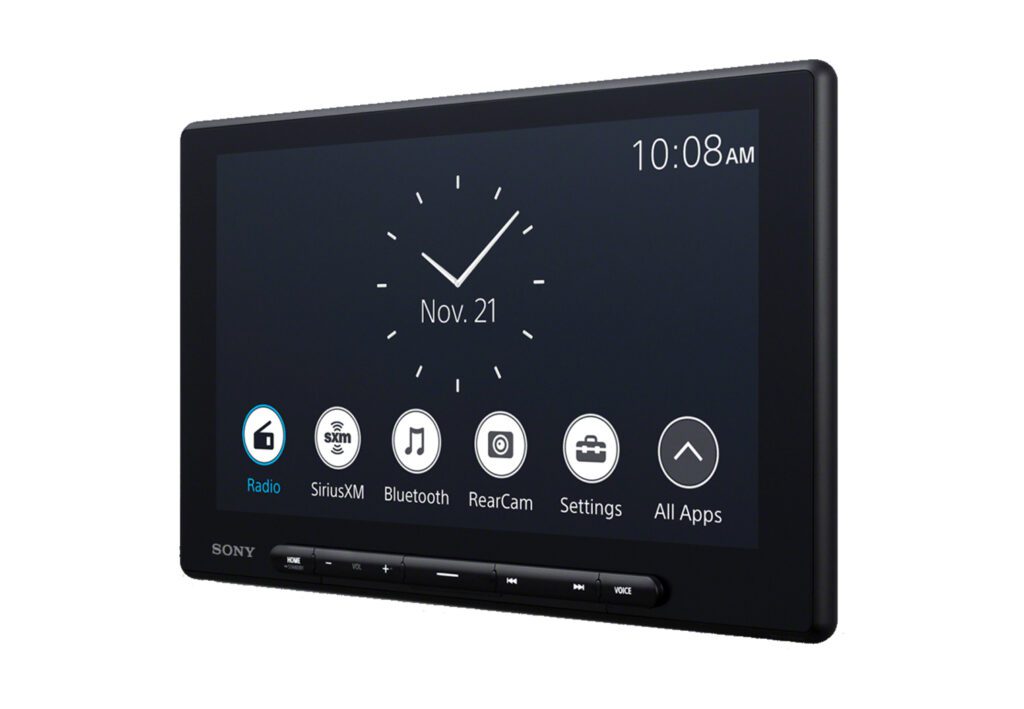
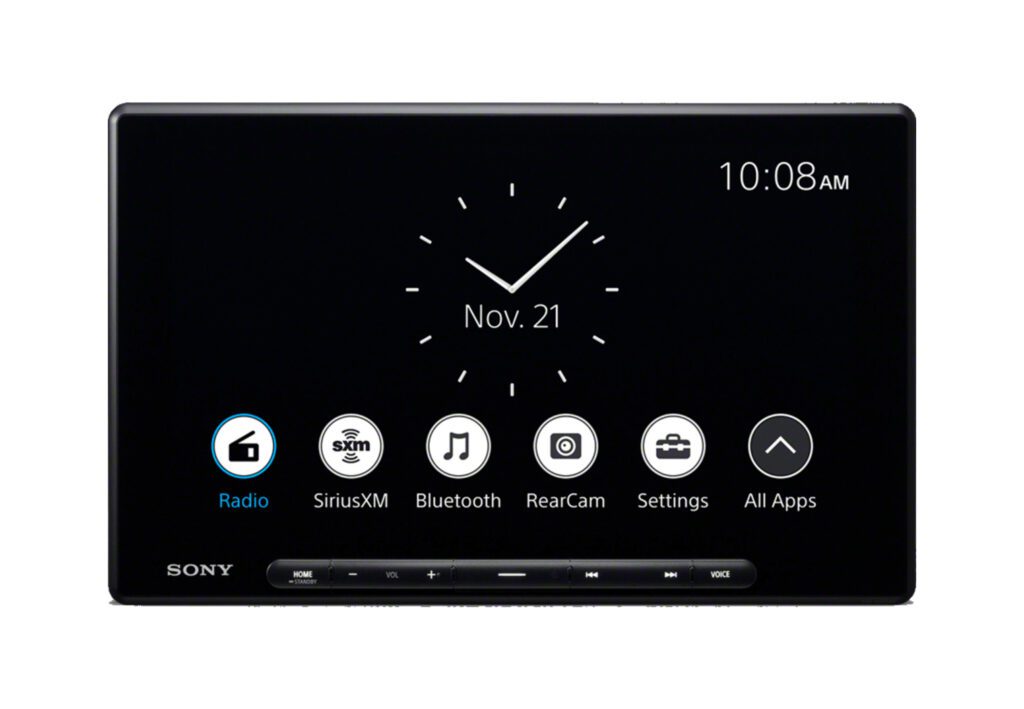
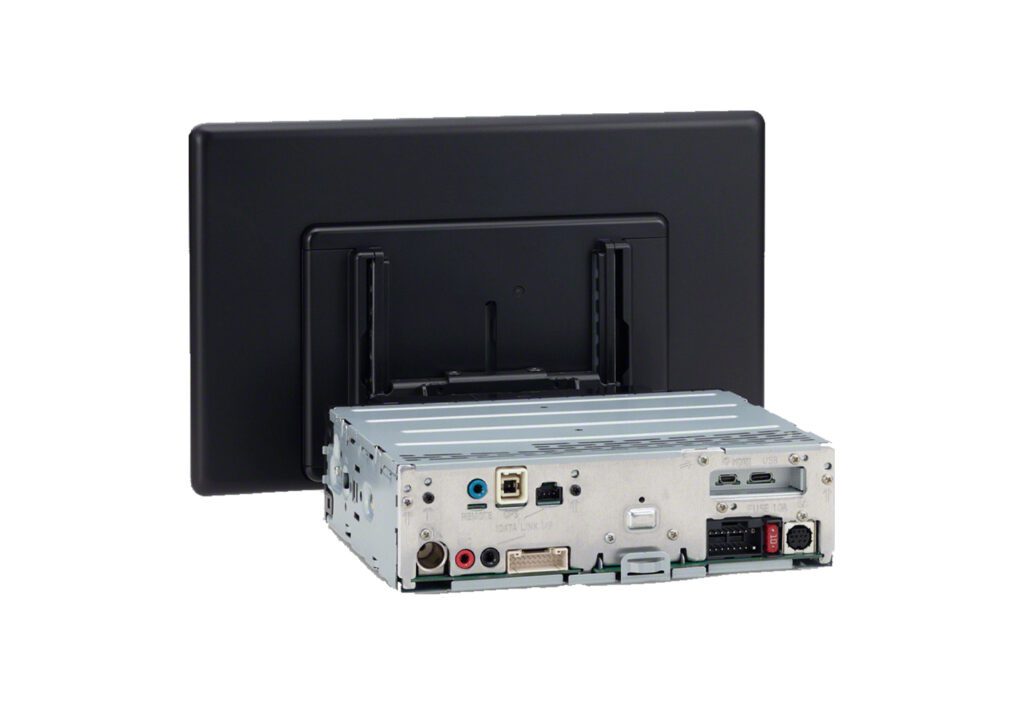
Sony XAV-AX8500
Single-DIN floating 10.1″ HD · micro-HDMI + 3 cameras · wired CarPlay/AA
CarAudioNow may earn a commission from retailer links. Brands do not influence the recommendations.
Why I picked it
This is the one I recommend when video quality and inputs are what you're actually buying. Sony's 10.1-inch 1280 x 720 floating panel is the best-looking screen in this roundup. The tilt-and-swivel mount does real work too — angle it away from a window that's throwing glare instead of living with it. Against the older AX8100 you gain a micro-HDMI input, video playback over USB, and three camera inputs for front, rear, and side views.
It's iDatalink Maestro ready, the interface is quick and uncluttered, and the audio side gives you a 14-band EQ, listening-position settings, and a 6-channel 5V preamp. If you're weighing this against the XAV-9500ES, the trade is straightforward: the ES has the better audio path and parametric EQ, and the AX8500 has HDMI and the extra cameras. In a multimedia build that's the right side of the trade. Watch the mounting hardware, though — it shows in some dashes and can sit in front of a vent.
| Make | Sony |
| Model | XAV-AX8500 |
| Head Unit Size | Single-DIN (floating) |
| Screen Size | 10.1″ floating |
| Screen Resolution | 1280 × 720 |
| Screen Type | Capacitive HD |
| Smartphone Integration | Wired/wireless Apple CarPlay and Android Auto |
| HD Radio | No |
| HDMI | Yes (micro, rear) |
| Camera Inputs | 3 (front/rear/side) |
| Pre-Outs | 6-ch, 5V |
| Power Output | 20W RMS × 4 (55W peak) |
| iDatalink Maestro | Yes |
Reasons to buy
- 10.1-inch 1280 x 720 HD panel with tilt and swivel to fight glare.
- Micro-HDMI input plus video playback over USB.
- Three camera inputs covering front, rear, and side views.
- 6-channel 5V preouts with a 14-band EQ and listening-position tuning.
- iDatalink Maestro ready with a fast, uncluttered interface.
Reasons not to buy
- Mounting hardware shows in some dashes and can block a vent.
- No built-in HD Radio, which the JVC hi-res picks include.
- Priced above wired-only alternatives with similar screens.
- Gives up the ES parametric EQ for the HDMI and camera flexibility.


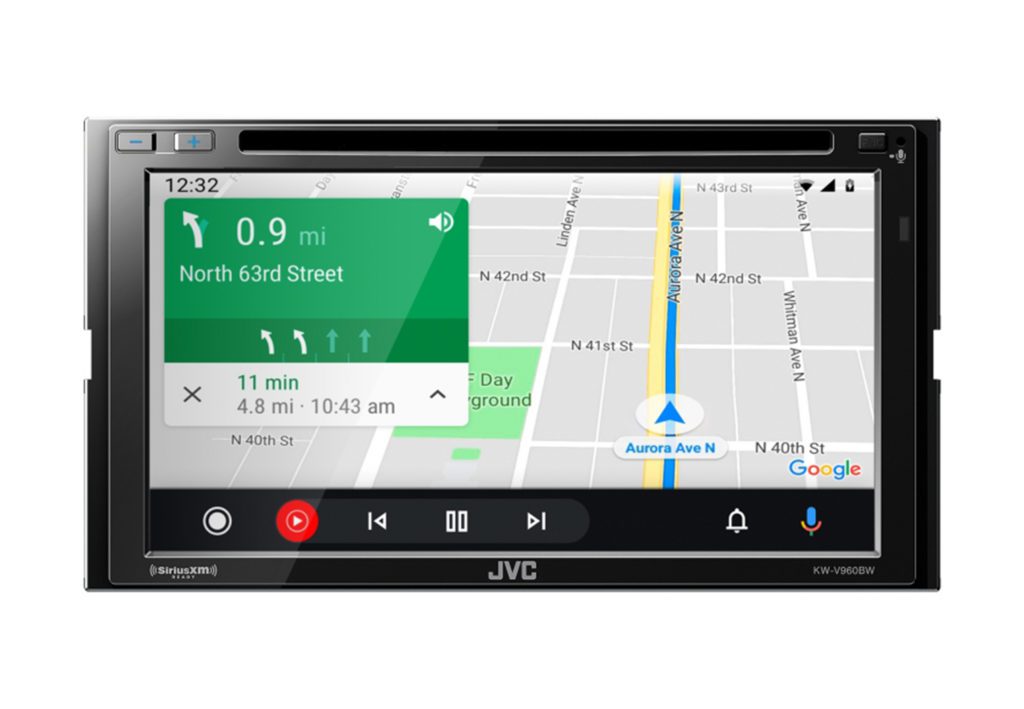
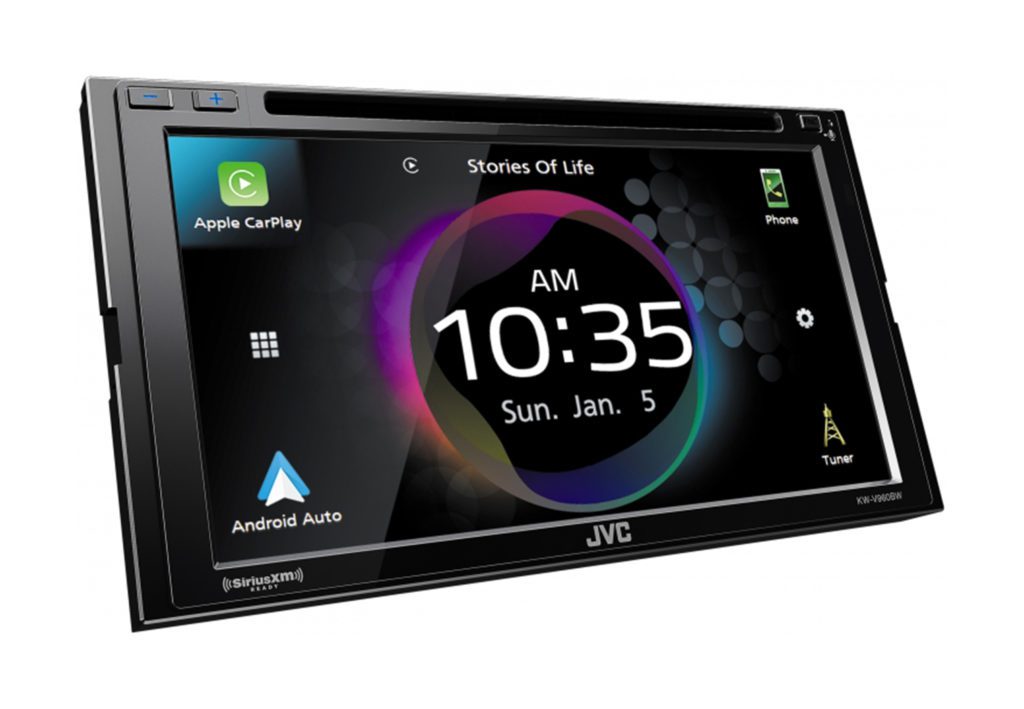
JVC KW-V960BW
Double-DIN · 6.8″ resistive · wireless CarPlay/AA · built-in DVD/CD
CarAudioNow may earn a commission from retailer links. Brands do not influence the recommendations.
Why I picked it
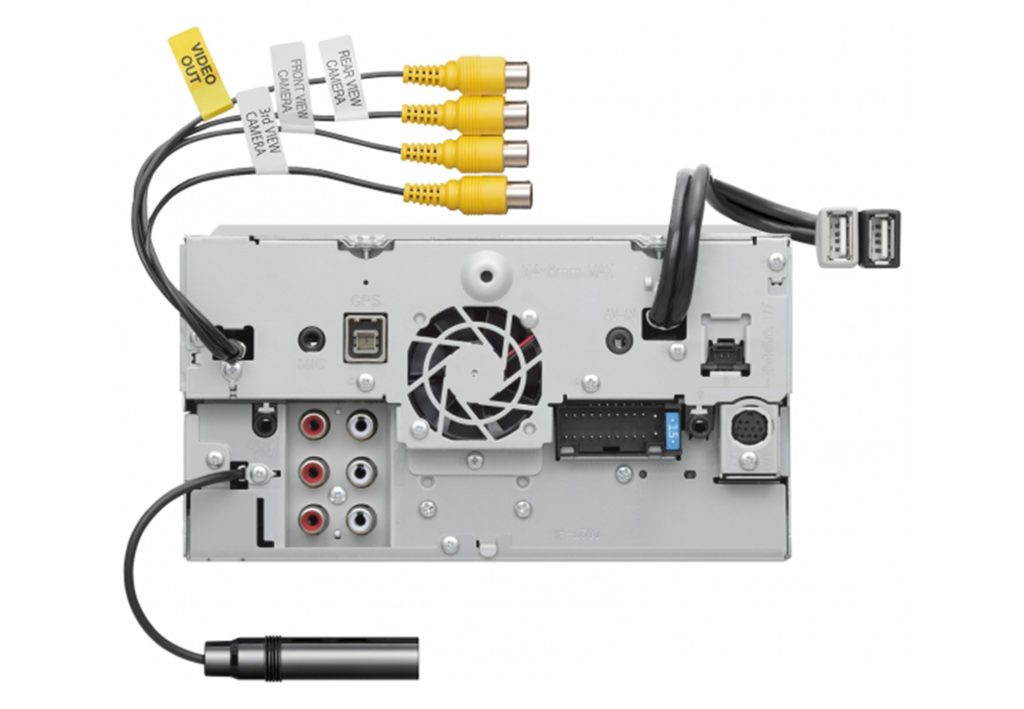
Want wireless CarPlay and a disc slot in the same dash? That's a short list, and the KW-V960BW is the top of it. It's a genuine multimedia deck — DVD and CD playback, four camera inputs, and multi-phone Bluetooth that's handy on a road trip when someone else wants a turn. The audio section runs a 13-band EQ, time alignment, and three pairs of 5V preouts. Power is 22 watts RMS per channel, which is decent for a deck driving factory speakers before you add amps.
The 6.8-inch screen is clear resistive rather than capacitive, so it isn't as slick under a finger as the newer glass panels. It responds well though, and it's the one screen here that works with gloves or a stylus. In a work truck in January that matters. Resolution is 800 x 480, there's no HDMI input, and it needs a double-DIN opening. If you don't need the disc slot, JVC's KW-M865BW is the near-twin without it.
| Make | JVC |
| Model | KW-V960BW |
| Head Unit Size | Double-DIN |
| Screen Size | 6.8″ |
| Screen Type | Clear Resistive |
| Screen Resolution | 800 × 480 |
| CD/DVD | Yes |
| Smartphone Integration | Wireless & wired Apple CarPlay / Android Auto |
| Inputs | Dual rear USB, mini A/V in, 4 camera inputs |
| Outputs | 6-ch preamp (5V front/rear/sub) + A/V out |
| Power Output | 22W RMS × 4 |
| iDatalink Maestro | Yes |
Reasons to buy
- Wireless CarPlay and Android Auto alongside a working DVD/CD transport.
- Four camera inputs, enough for a front, rear, and two side views.
- Three pairs of 5V preouts with 13-band EQ and time alignment.
- Multi-phone Bluetooth so a passenger can take a turn on the music.
- Resistive screen still works with gloves or a stylus in cold weather.
Reasons not to buy
- Resistive glass doesn't feel as quick as the capacitive panels around it.
- 800 x 480 resolution is behind the 1280 x 720 screens in this roundup.
- No HDMI input, so digital video sources are limited.
- Double-DIN only — it won't go in a single-DIN dash.


Pioneer AVH-3500NEX
Single-DIN flip-out 7″ motorized screen · DVD/CD · wired CarPlay/Android Auto
CarAudioNow may earn a commission from retailer links. Brands do not influence the recommendations.
Why I picked it
If your dash only gives you a single-DIN slot, this is still the one I reach for. The AVH-3500NEX hides a motorized 7-inch touchscreen that folds out when you want it and tucks away when you don't. That's the whole trick — real video in an opening that was never meant to hold a screen. It plays DVDs and CDs and runs wired CarPlay and Android Auto. Power is 14 watts RMS per channel with a 6-channel 4V preamp behind it, so there's room to add amplifiers later.
The compromise is mechanical. A motorized faceplate has moving parts a fixed screen doesn't, and it needs clearance through its whole travel. Check your vents and shifter before you commit. A screen that fouls a vent on the way down is a problem you only find after the trim is back on. There's no wireless phone connection either, so plan on a USB cable living in the cabin. For a classic build, a truck with a narrow opening, or any dash that simply cannot take a double-DIN, it's still the sensible answer.
| Make | Pioneer |
| Model | AVH-3500NEX |
| Head Unit Size | Single-DIN (flip-out) |
| Screen Size | 7″ |
| Screen Type | Motorized touchscreen |
| Disc/Media | CD, DVD |
| Smartphone Integration | Wired CarPlay / Android Auto |
| Audio | 13-band graphic EQ |
| Inputs | iPod/iPhone/iPad control, camera input |
| Outputs | 6-ch preamp (4V front/rear/sub) |
| Power Output | 14W RMS × 4 (50W peak) |
Reasons to buy
- Real DVD and video playback in a single-DIN opening, which almost nothing else offers.
- Motorized 7-inch screen folds away for a stealthier look when parked.
- 6-channel 4V preamp outputs leave a clean path to amplifiers later.
- 13-band graphic EQ gives you real tuning control off the deck.
- Camera input and iPod/iPhone control are built in, no adapter needed.
Reasons not to buy
- The motorized faceplate adds moving parts a fixed screen doesn't have.
- Needs clear travel in front of the dash — it can foul vents or a shifter.
- Wired CarPlay and Android Auto only, so a USB cable lives in the cabin.
- 14 watts RMS per channel means you'll want an amp for anything demanding.
Make sure the receiver and install parts fit your vehicle
The M795BW and V960BW need a double-DIN opening. The AX8500 uses a compact chassis behind a large floating screen, and the AVH-3500NEX is a motorized single-DIN flip-out. Confirm depth and screen clearance as well as opening size — the opening is rarely what stops one of these installs. You can also check your dashboard size.
Best In-Dash Video Car Stereos FAQs
What is the best in-dash video car stereo?+
The JVC KW-M795BW is my current overall pick. Around the $500 tier it combines a native 1280 x 720 fixed screen, HDMI, an HD rear-camera path, and wired or wireless CarPlay and Android Auto.
Can I watch video on the front screen while driving?+
Full-motion front-screen video is for parked use, and local law decides what's permitted where you live. Keep the parking-brake safeguard intact and build passenger entertainment around properly placed rear screens instead.
Which picks still play DVDs and CDs?+
The JVC KW-V960BW and Pioneer AVH-3500NEX still have disc transports. The M795BW and AX8500 have gone digital and HDMI only.
Does HDMI input mean a receiver can feed rear monitors?+
No, and this catches people out. Input and output are separate features. The M795BW, KW-V960BW, and AVH-3500NEX have video-output paths, but verify the exact output format and dual-zone behavior before you build a rear-screen system around one.
Which video stereos have wireless CarPlay and Android Auto?+
The M795BW, AX8500, and KW-V960BW all support wireless phone integration. The AVH-3500NEX is wired only, so plan on a USB cable living in the cabin.
Can a single-DIN dash have a video screen?+
Yes. The AVH-3500NEX uses a motorized flip-out screen, and a floating-screen receiver can run a compact chassis too. Either way you need clear space in front of the dash, not just in it.
What is the difference between this guide and a passenger-video guide?+
This guide covers the in-dash source and display. The passenger video guide covers portable, headrest, and overhead systems intended for occupants away from the driver’s sightline.
More reviews & comparisons
Use these guides to verify fit, integration, installation, and the rest of the system.
Why trust this guide?
