In this article: I share my current picks for in-dash GPS navigation head units with built-in maps, based on hands-on installs and testing. You’ll get my quick impressions, photos, pricing widgets, and clear pros/cons to help you choose fast.
I use phones for maps all the time when I’m testing CarPlay and Android Auto, but a good in-dash GPS unit still has a place. You get dedicated satellite reception that keeps working when cell service drops, cleaner camera integration, and fewer distractions than juggling a phone.
Everything on this list has built-in GPS. If you decide you don’t need baked-in nav, my broader roundup of best car stereos is a better starting point, and if you’re after video playback specifically, see my best in-dash video/DVD players. For phone integration details, I also keep an Android Auto FAQ up to date.
A GPS head unit also makes front and rear cameras straightforward. If you’re planning a camera, check my best backup cameras and the step-by-step installation how-to.
Who is This Review For?
If you share a vehicle, drive in low-signal areas, tow, or just want turn-key guidance without plugging in a phone, this guide is for you. I’ve installed and tested these units in real vehicles over the years; below I call out what actually matters once everything’s mounted—screen visibility, audio tuning, map updates, and camera integration.
If you don’t need embedded maps and prefer a simpler, more affordable screen with wireless CarPlay/Android Auto, head to my Best Car Stereos instead. If you want a DVD/CD drive, see Best In-Dash DVD Players.
Notes on Installation
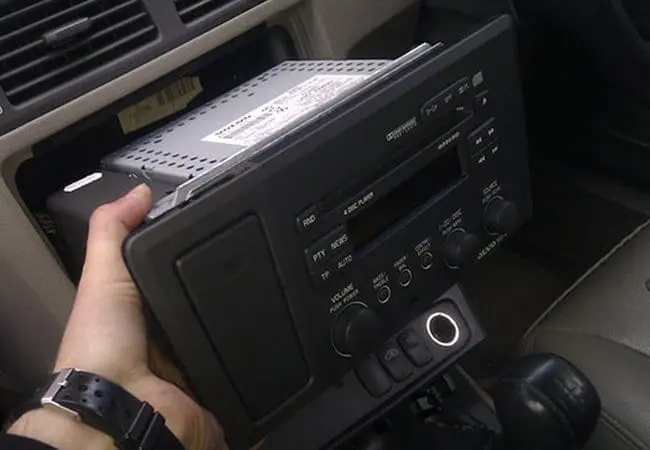
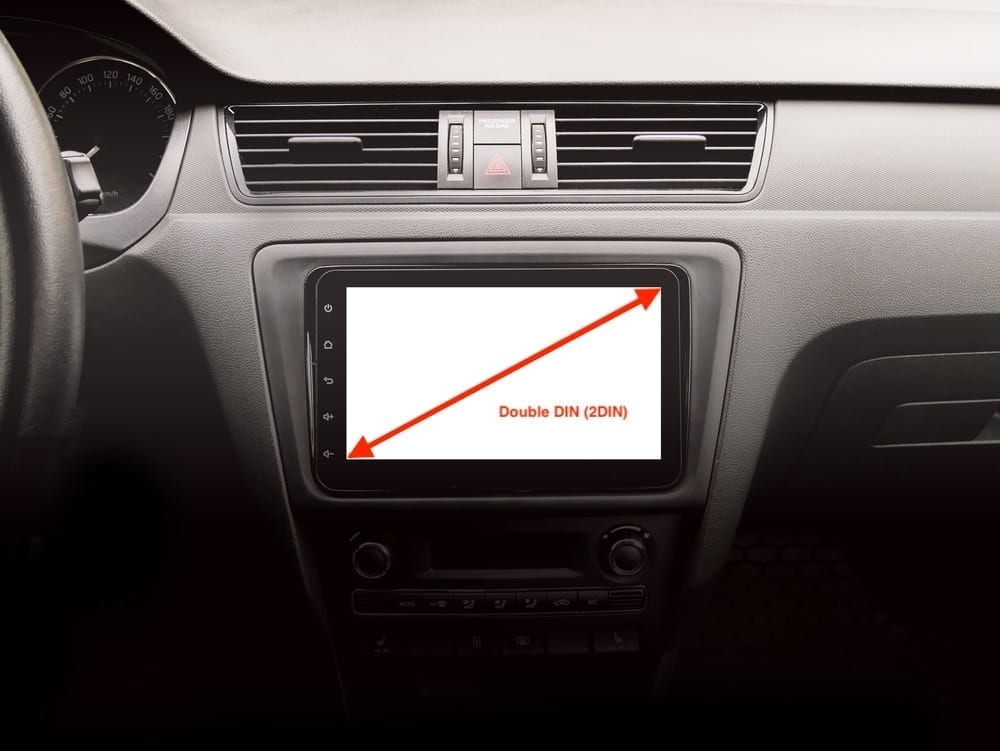
Most nav receivers are double-DIN and a bit deeper than basic stereos—confirm dash depth and kit compatibility before you buy. If you’ll retain OEM features (steering-wheel controls, factory amp, vehicle gauges), plan around an iDatalink Maestro interface; here’s my explainer on how Maestro works. For camera add-ons, my backup camera buying guide and install how-to cover wiring and angles. Want a real-world walkthrough? See my Toyota Tundra head-unit install and Stinger HEIGH10 upgrade for planning tips that apply to most trucks.
Best In-Dash GPS Navigation Head Units
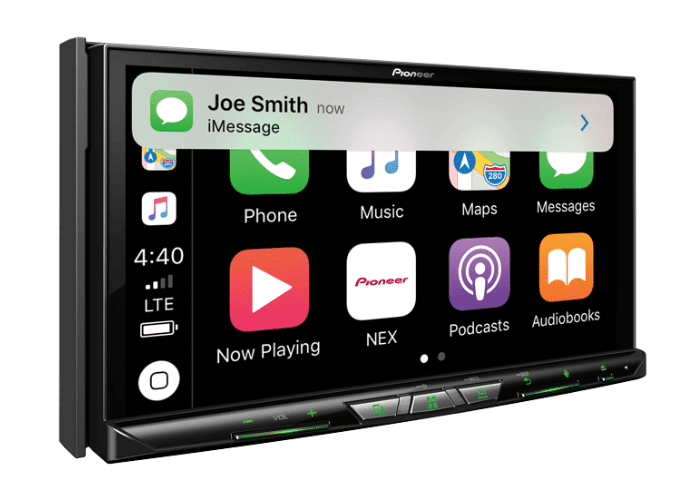
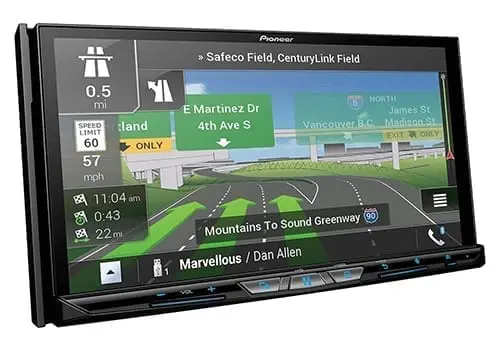
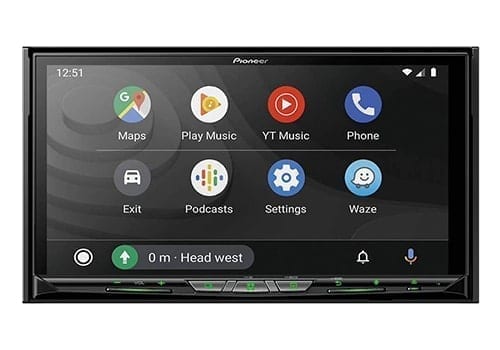
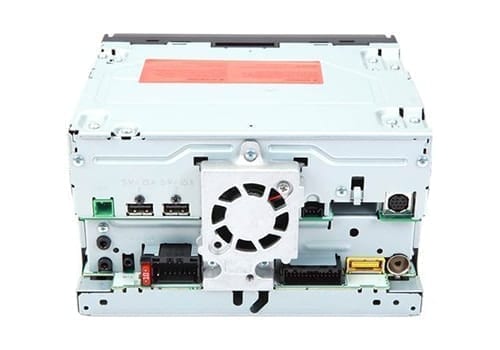
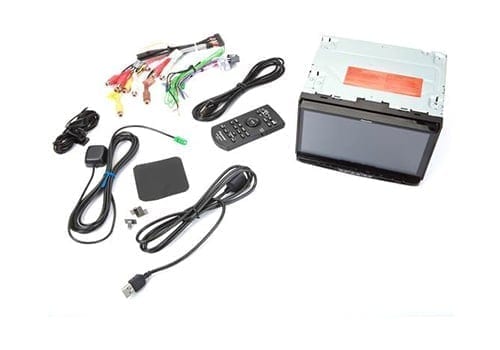
1. Best Overall Pick: Pioneer AVIC-W8600NEX
Key Features
- Motorized 7” WVGA capacitive touchscreen, double-DIN
- 50W x 4 (peak) MOSFET
- Built-in Bluetooth
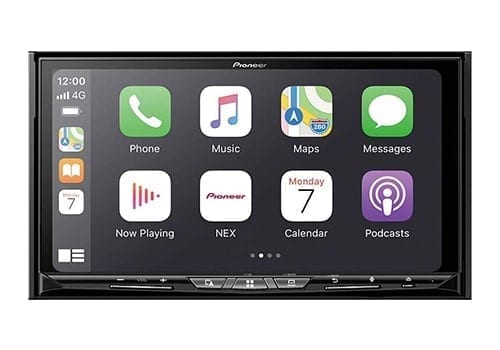
- Wireless/USB Android Auto & Apple CarPlay
- Amazon Alexa & Siri EyesFree ready
- CD/DVD player (parking brake required)
- Dual camera inputs; dedicated subwoofer out
- iDatalink Maestro compatible; OBD-II data capable
Latest Prices
We test gear and may earn a commission. Buy now clicks are how we make money and support the time we spend making content. This doesn’t affect our picks.
Pioneer W8600NEX Quick Review
I’ve run Pioneer AVIC units in multiple vehicles and the W8600NEX keeps the formula: bright motorized 7″ display, clean UI, and reliable built-in maps when your phone can’t help. Wireless CarPlay/Android Auto works well, and the hidden SD slot plus dual rear USBs make installs tidy. The nav uses HERE data via Naviextras; you get the latest map at purchase and an easy update workflow later. If you rely on cameras, dual inputs and Maestro support make integration painless. My only knocks are the fixed screen angle and limited background customization, but as an all-rounder it’s still the benchmark in a traditional double-DIN.
Reasons to Buy
- Reliable built-in maps when cell coverage drops
- Strong phone integration (wireless CarPlay/AA) plus CD/DVD
- Maestro support and dual camera inputs for clean OEM-style installs
Reasons Not to Buy
- Non-adjustable screen; works best in flatter dashes
- Map updates require Naviextras workflow on a computer
- Pricier than phone-only receivers
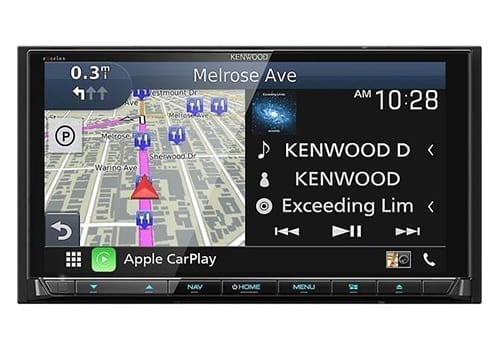
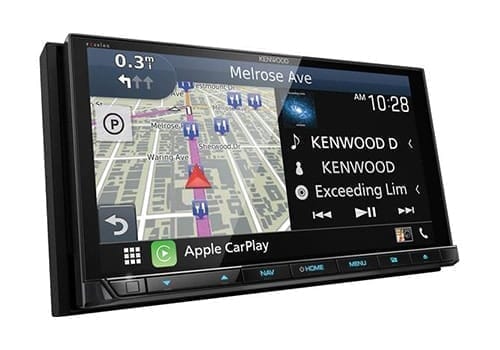
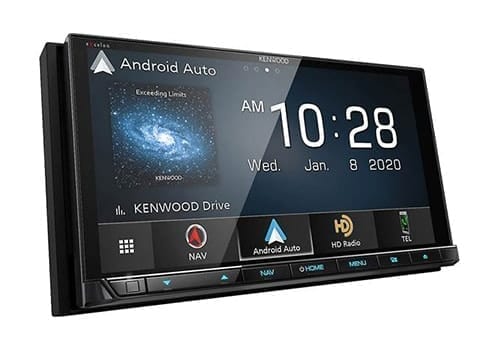
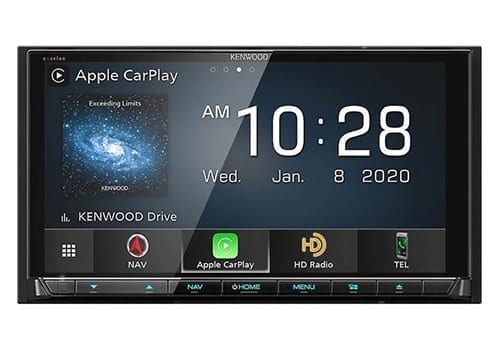
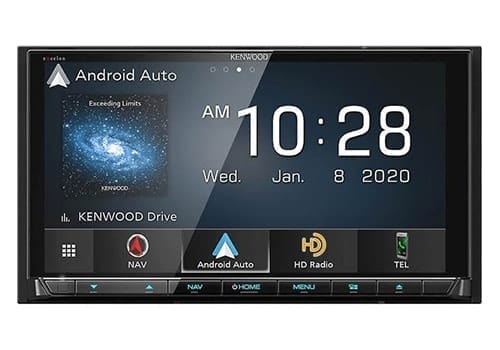
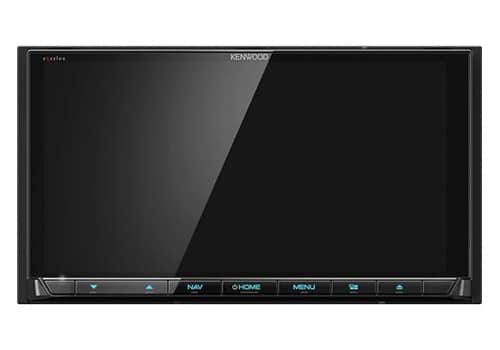
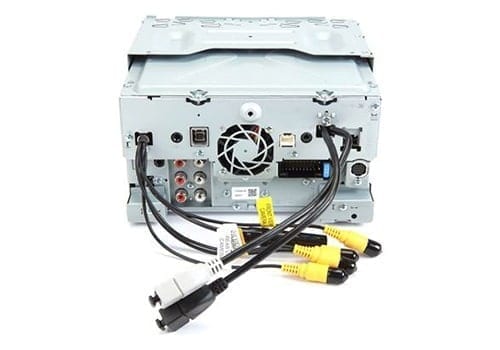
2. Best Entertainment Pick: Kenwood eXcelon DNX997XR
Key Features
- Motorized ~6.8” HD capacitive touchscreen, double-DIN
- 50W x 4 (peak), high-res audio capable
- Built-in Bluetooth, Wi-Fi
- Garmin navigation with 3D terrain
- Wireless/USB Android Auto & Apple CarPlay
- Alexa & Siri EyesFree ready
- CD/DVD player
- Up to four camera inputs; HD rear camera ready
- 3 pairs of 5V pre-outs incl. subwoofer
- iDatalink Maestro compatible; OBD-II data capable
Latest Prices
Kenwood eXcelon DNX997XR Quick Review
For sound quality, this is my pick. The HD panel is crisp, the UI is customizable, and the audio section is proper eXcelon—quiet pre-outs and robust EQ. Built-in Garmin navigation is excellent and includes multiple years of map updates, plus INRIX traffic through the app. Four camera inputs make front/rear/side views easy to set up. If you’re planning a high-end system with amps and tuning, the DNX997XR’s interface and expandability save time on the bench. Just know the free map-update window is time-limited and requires an SD card for the update process.
Reasons to Buy
- Best-in-class audio tuning and clean 5V pre-outs
- Garmin nav with multi-year updates and excellent lane guidance
- Four camera inputs for true multi-view builds
Reasons Not to Buy
- Map updates require SD workflow and are only free for a set term
- Wireless features are great, but initial setup can take longer
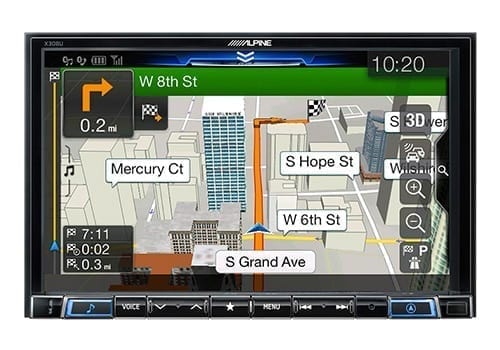
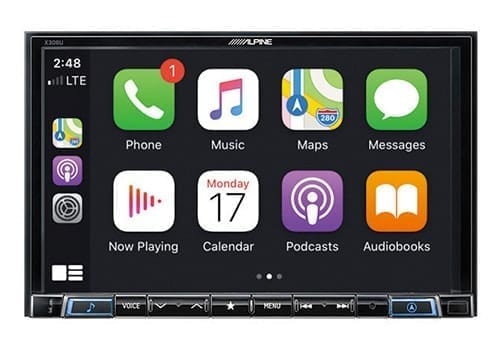
3. Biggest Screen Pick: Alpine X308U
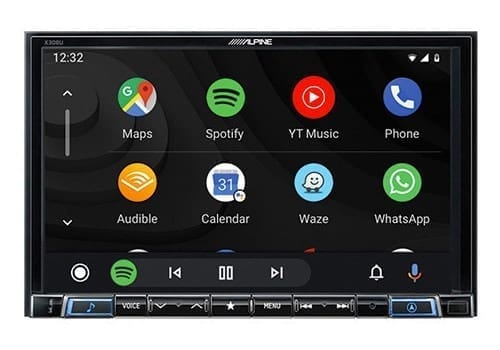
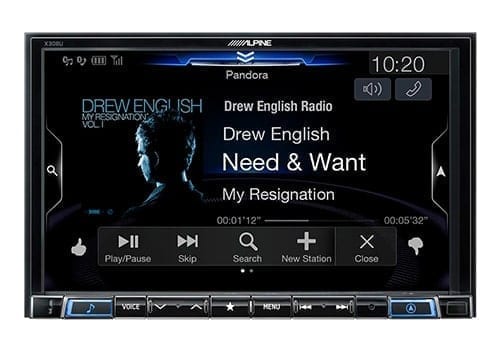
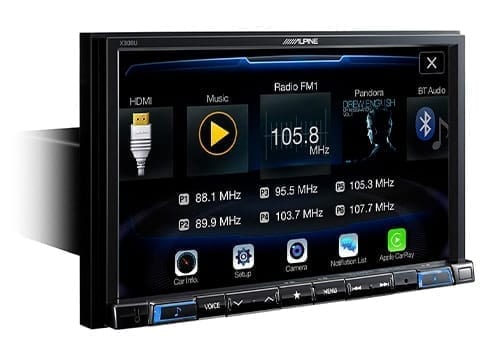
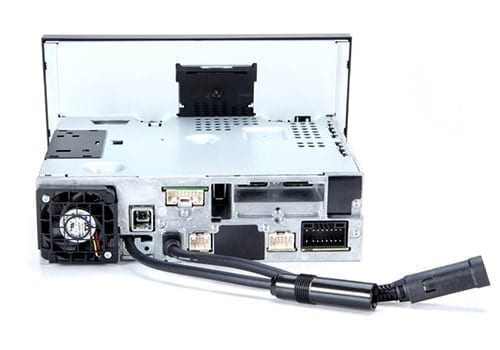
Key Features
- Mech-less 8” capacitive touchscreen, single-DIN chassis (floating screen)
- 50W x 4 (peak)
- Three pairs of RCA pre-outs
- HDMI and dual USB
- Built-in Bluetooth
- Navigation with HERE map data
- Wired Apple CarPlay & Android Auto
- Single camera input
- iDatalink Maestro compatible
Latest Prices
Alpine X308U Quick Review
Need a large screen but only have single-DIN space? Alpine’s 8″ floating panel solves it. I like the simple nav interface and dependable HERE data. No disc drive, but most folks stream today anyway. With triple pre-outs and HDMI, it’s easy to expand with amps and external sources. Just confirm the big panel won’t block HVAC knobs or vents in your dash layout.
Reasons to Buy
- Big, bright 8″ screen fits single-DIN openings
- Great platform for adding amps and external sources
- Clean, simple nav UI with dependable map data
Reasons Not to Buy
- No CD/DVD drive
- Large fixed panel can block nearby controls in some dashes
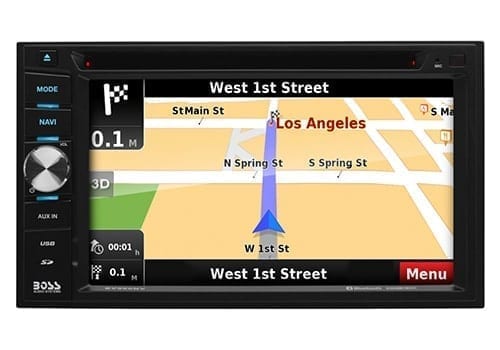
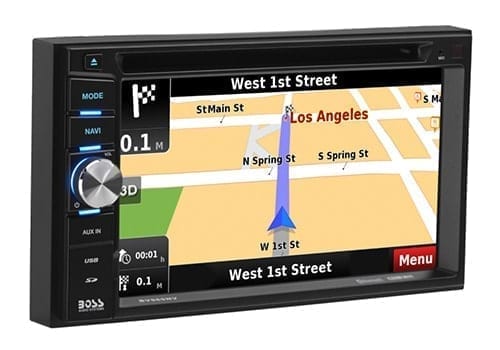
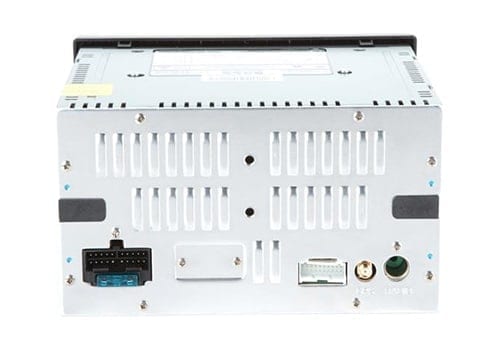
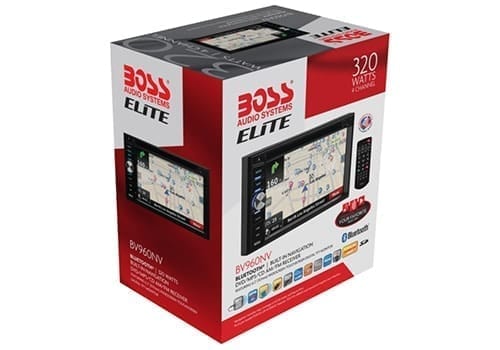
4. Best Low Cost Pick: Boss Audio BV960NV
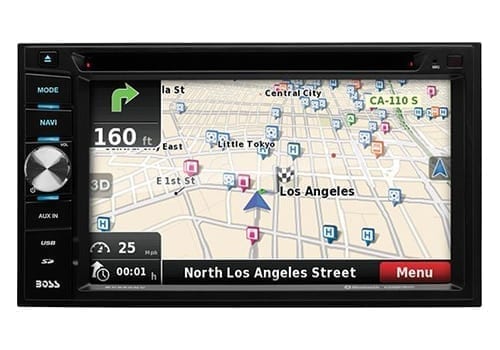
Key Features
- 6.2” LCD capacitive touchscreen, double-DIN
- 60W x 4 (peak)
- Three sets of RCA pre-outs
- CD/DVD player
- HDMI and USB
- Navigation by NDrive
- Single camera input
Latest Prices
Boss Audio BV960NV Quick Review
On a tight budget but still want onboard maps and a disc drive? This is the entry point I recommend. You give up wireless CarPlay/Android Auto and advanced tuning, and the 6.2″ screen is smaller than most. But for basic navigation, Bluetooth calling/streaming and simple expandability via RCAs, it gets the job done at a fraction of the price.
Reasons to Buy
- Lowest-cost way to add built-in nav
- Includes CD/DVD playback and basic Bluetooth
- Three pre-outs allow simple system expansion
Reasons Not to Buy
- No Apple CarPlay/Android Auto support
- Smaller, lower-res screen and basic EQ
- Map coverage/features are more limited than premium brands
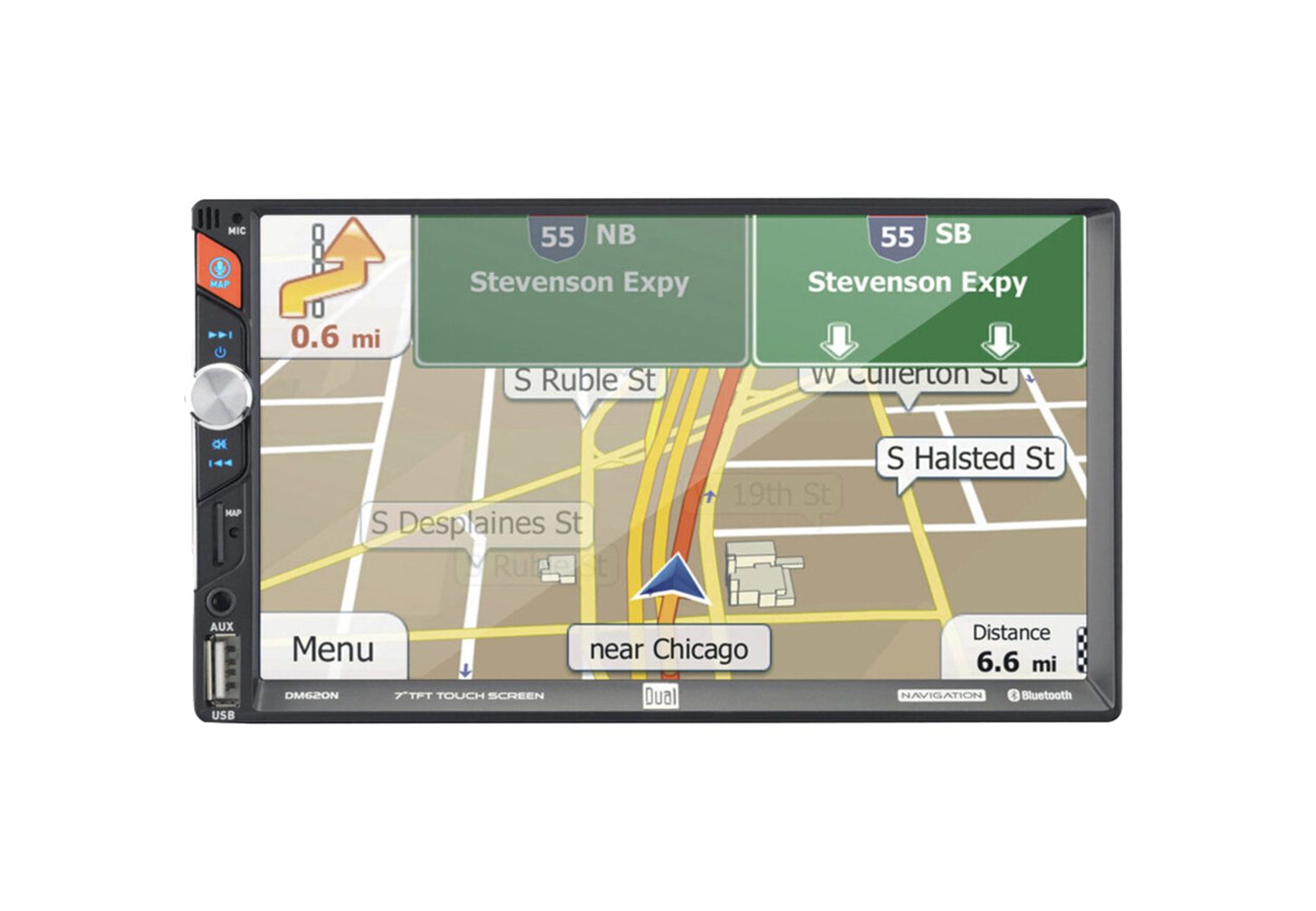
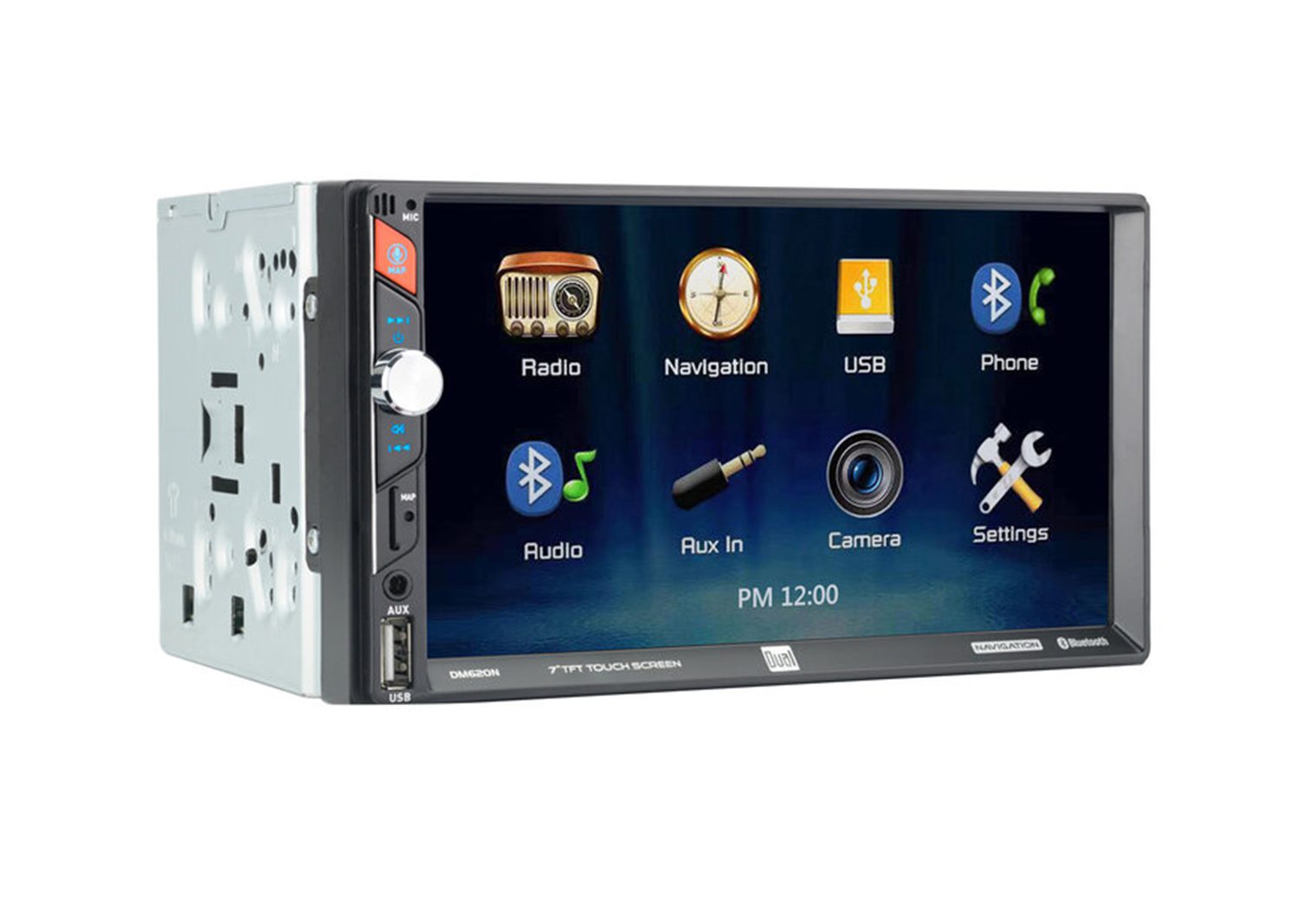
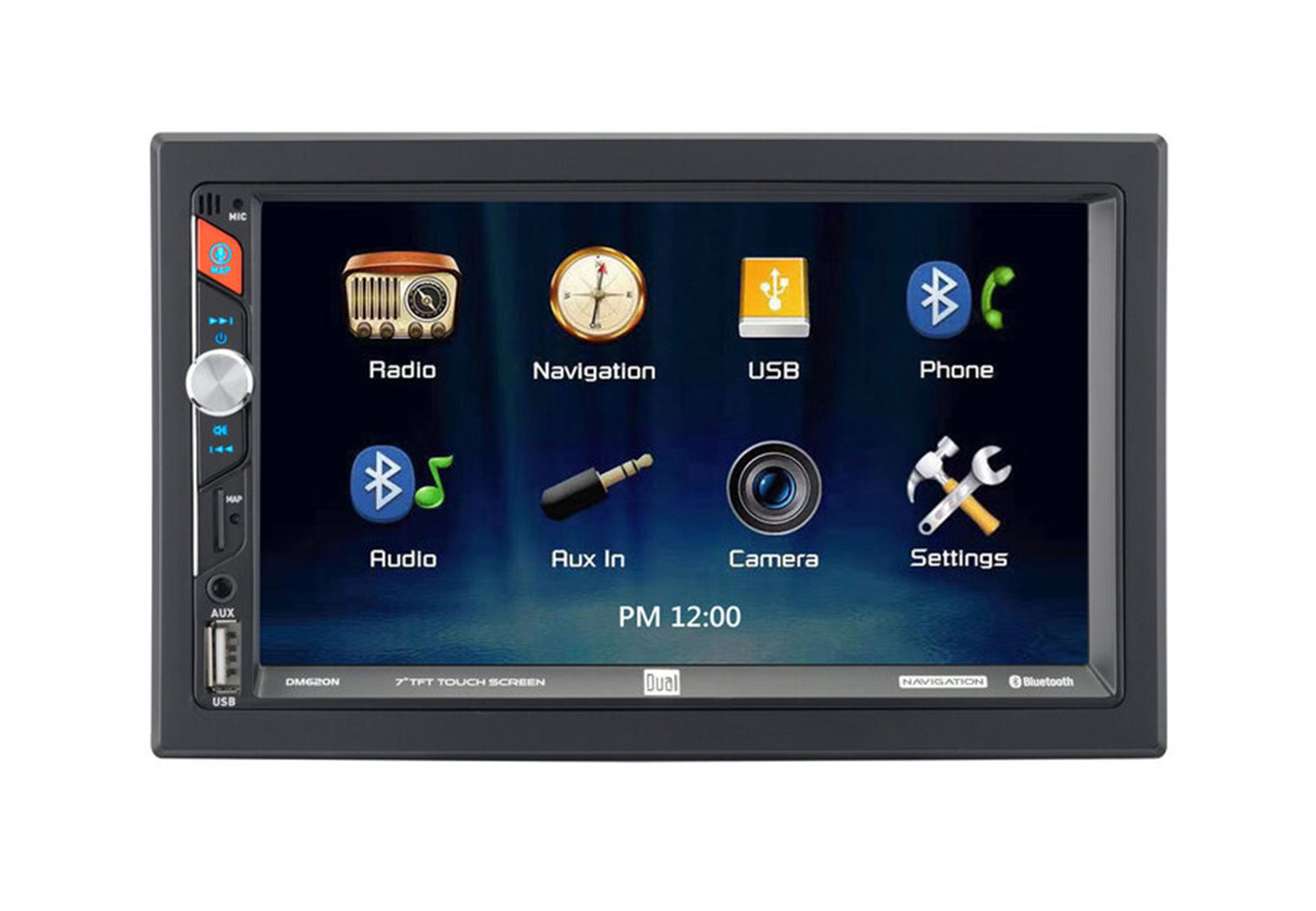
5. Best Value Pick: Dual DM620N
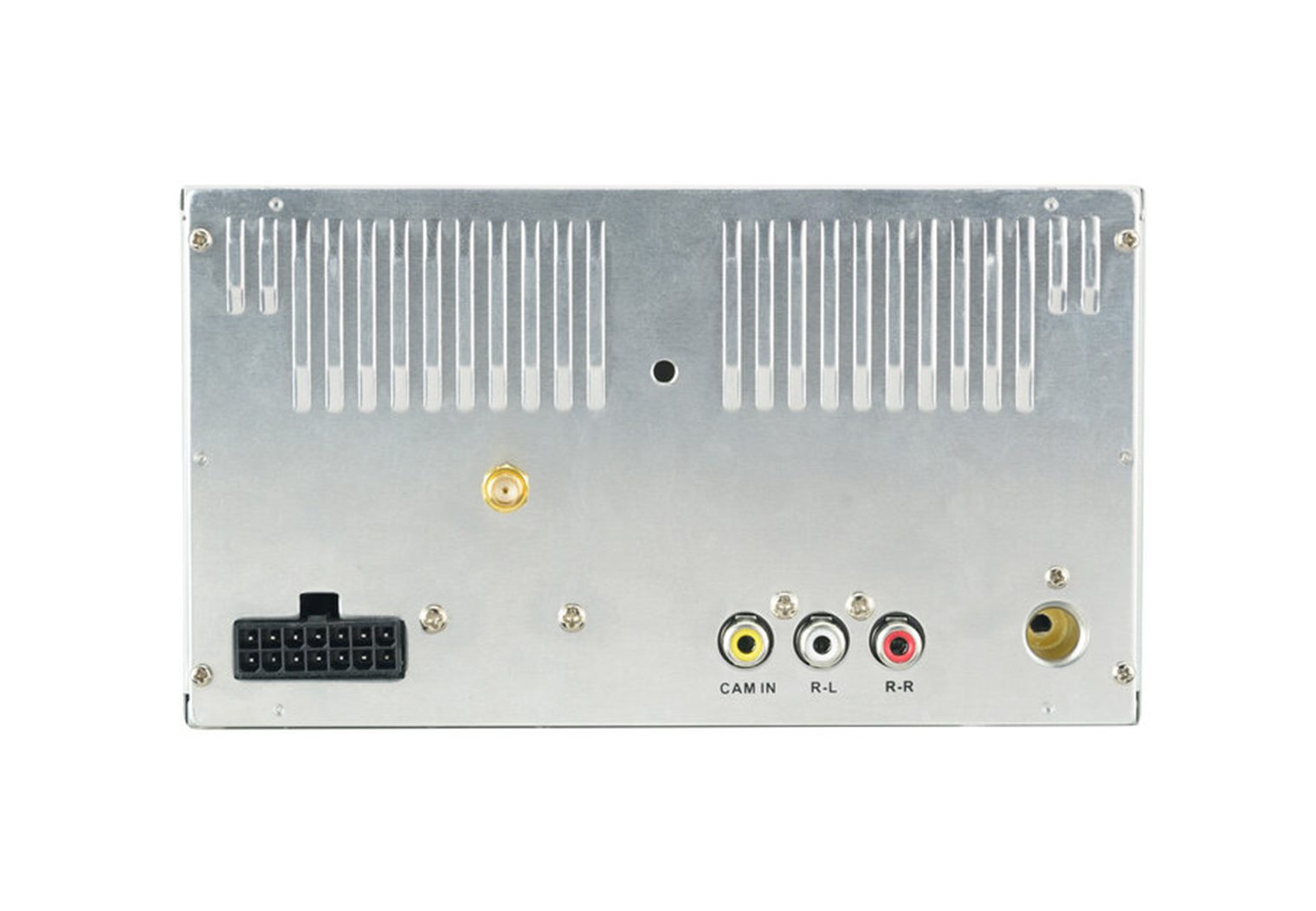
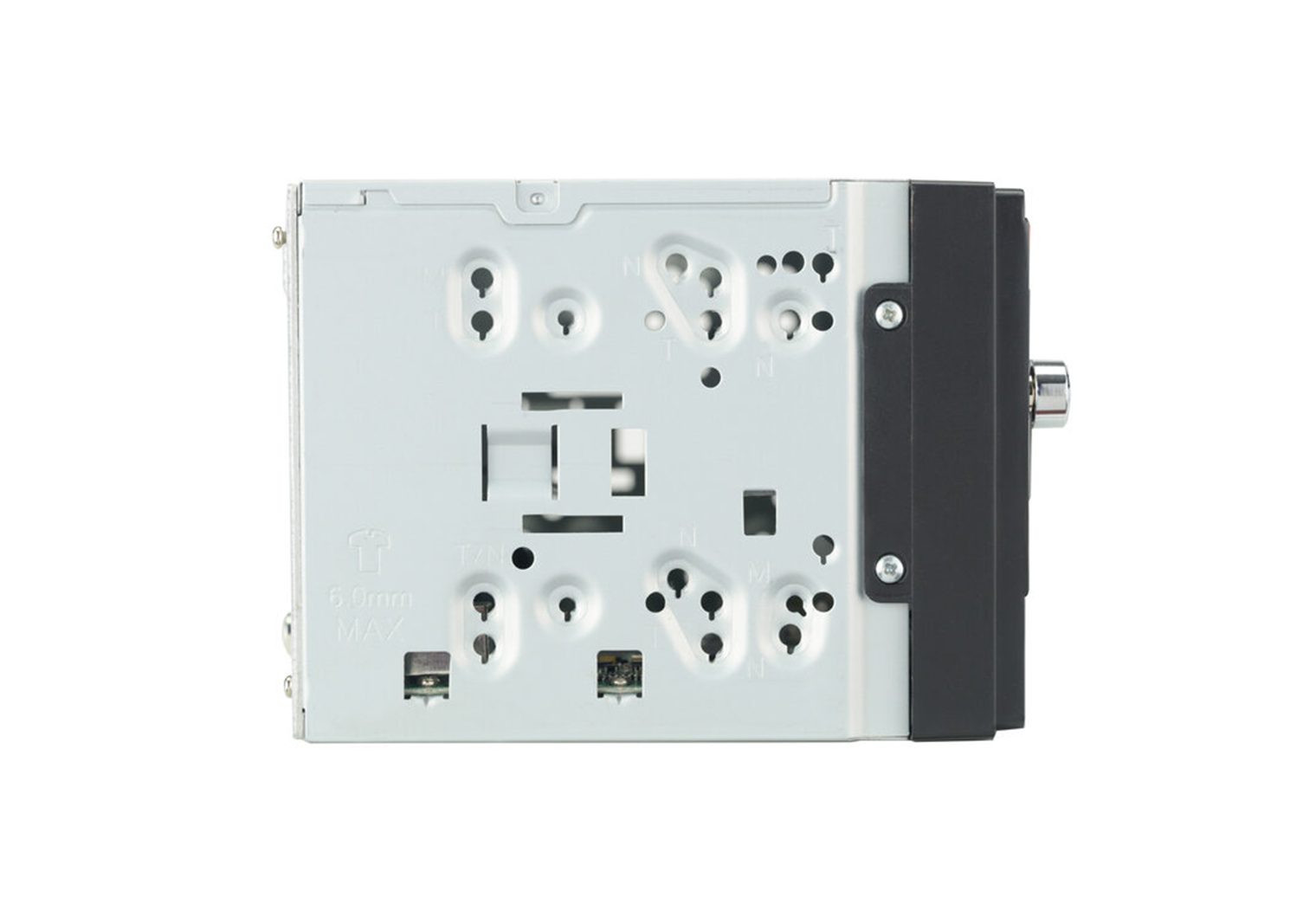
Key Features
- 7” TFT touchscreen, double-DIN
- Built-in Bluetooth
- Rear USB
- Navigation by iGO/TomTom
- 16W RMS, 50W peak x 4
- Rear camera input
- 2-channel RCA pre-outs (front or rear)
Latest Prices
Dual DM620N Quick Review
As a value play, the DM620N gives you a 7″ touch screen, dependable iGO maps, and Bluetooth calling/streaming. The UI is simple and the iPlug app lets your phone act as the remote. You don’t get CarPlay/Android Auto and pre-outs are limited, but for basic navigation and music it’s a solid budget choice.
Reasons to Buy
- Low-cost unit with reliable embedded maps
- Simple UI; phone-as-remote via iPlug app
Reasons Not to Buy
- No CarPlay/Android Auto
- Limited preamp outputs
Best In-Dash GPS Head Units: What to Look For
Every vehicle needs a slightly different recipe to sound great and to fit properly. Below are the core factors I use when testing and rating nav receivers, plus links to deeper guides across CarAudioNow.
Power Ratings
Without an external amp, the head unit powers your speakers. Look at both ratings: Peak (short bursts) and RMS (continuous). RMS matters most. Also consider EQ flexibility—the more bands and filters, the easier it is to correct your cabin’s acoustics.
Display
Brightness, anti-glare, and viewing angle beat raw size in tricky dashes. If your dash sits low or tilted, adjustable or floating screens can save the day. If you’ll add a dash cam, plan layouts so the head-unit screen doesn’t block it—see my dash cam guide.
Playback
Decide how you actually listen: streaming (Bluetooth/CarPlay/Android Auto), local files (USB/FLAC), or discs. If you’ll keep a large library on USB, confirm supported formats and fast indexing.
Smartphone Integration
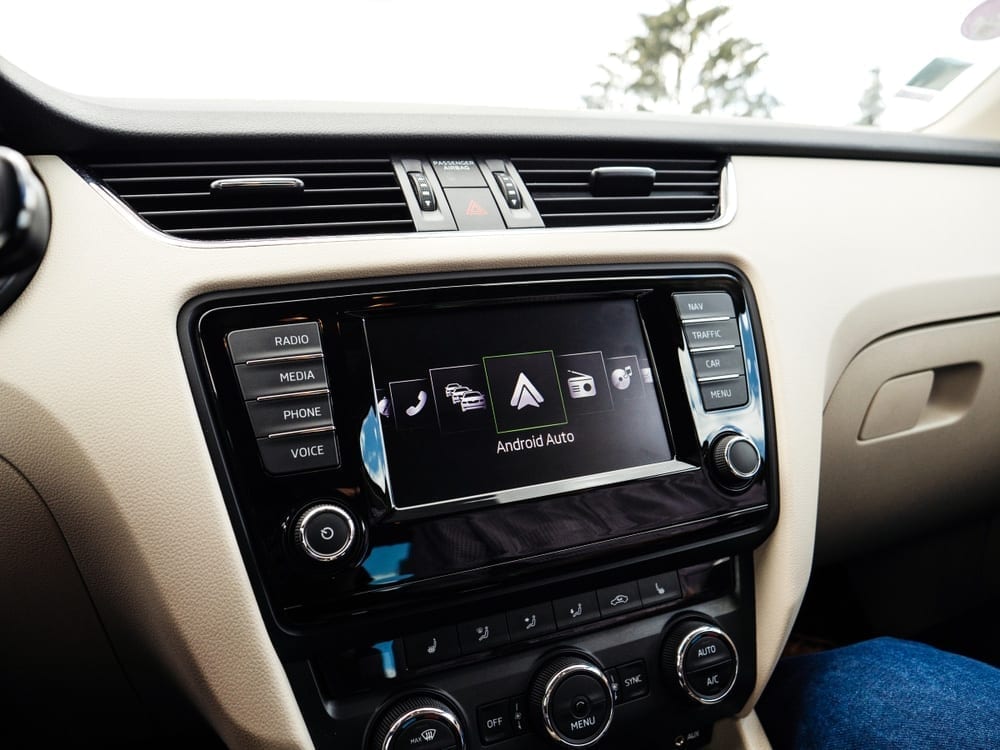
Wireless CarPlay/Android Auto is the easiest daily driver. For quirks, check my Android Auto FAQ and my wireless adapter review. If you must retain factory features, prioritize iDatalink-compatible head units and budget for the right Maestro module.
Expandability
If you plan to add amps or cameras, look for three pairs of pre-outs, high-voltage (4–5V) pre-outs, and multiple camera inputs. My install guides in the Installation section cover harnessing, dash kits, and camera wiring.
Built-In Nav vs Phone-Only: When Each Makes Sense
| Scenario | Built-in GPS Nav | Phone-Only (CarPlay/AA) |
|---|---|---|
| Remote travel / no cell service | ✅ Full guidance offline | ❌ Limited without cached maps |
| Multi-camera integration | ✅ Clean triggers & views | ➖ Depends on head unit inputs |
| Frequent map updates | ➖ Brand-specific process | ✅ App updates automatically |
| Budget / simplicity | ➖ Higher cost | ✅ Lower cost, easy |
Map Data & Updates: What to Expect
Pioneer and Alpine use HERE data via Naviextras (latest map at purchase, then updates via their Toolbox). Kenwood’s Garmin-powered units include a multi-year map-care window and INRIX traffic via app. Always register and update early after install so you don’t miss the free-update window.