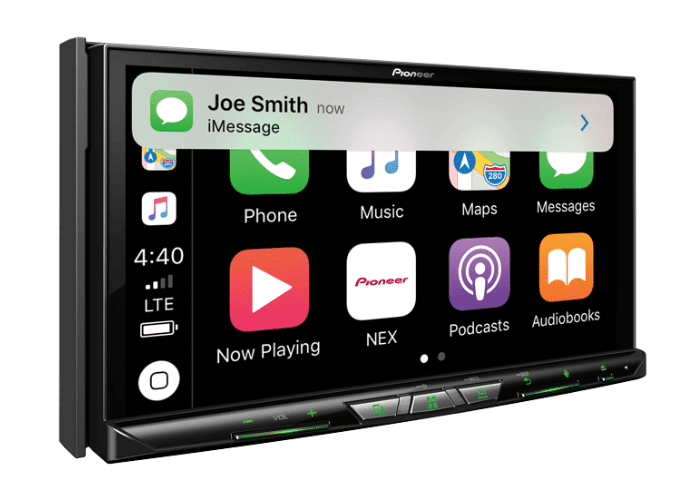
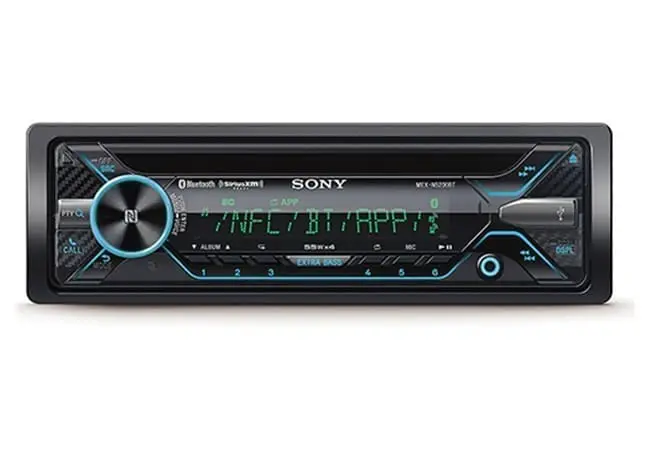
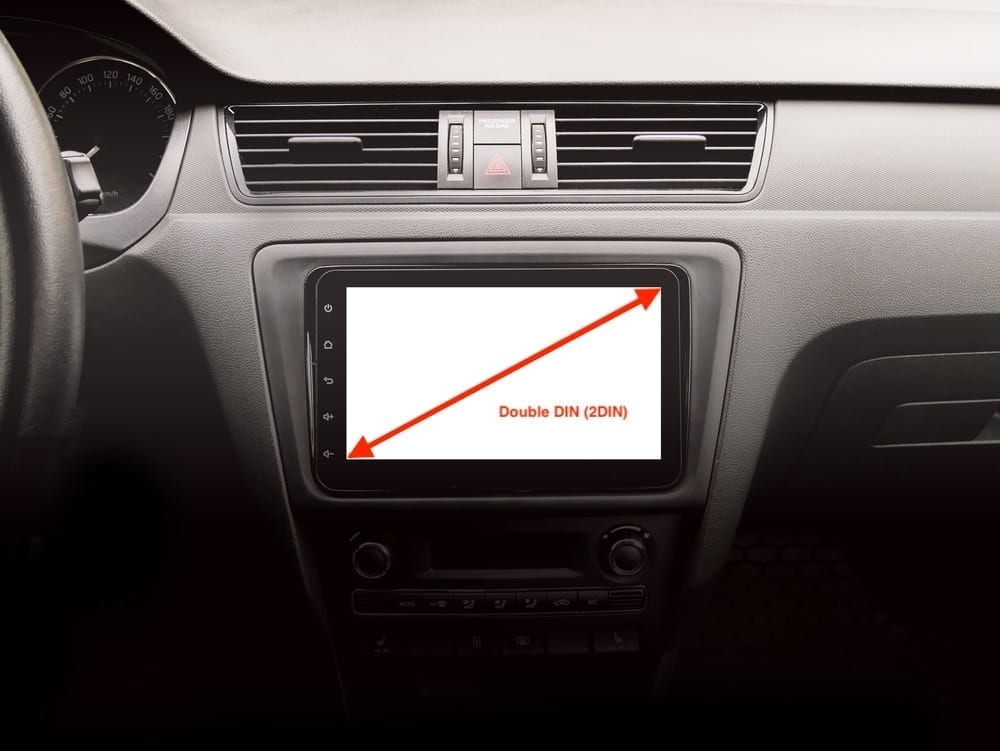
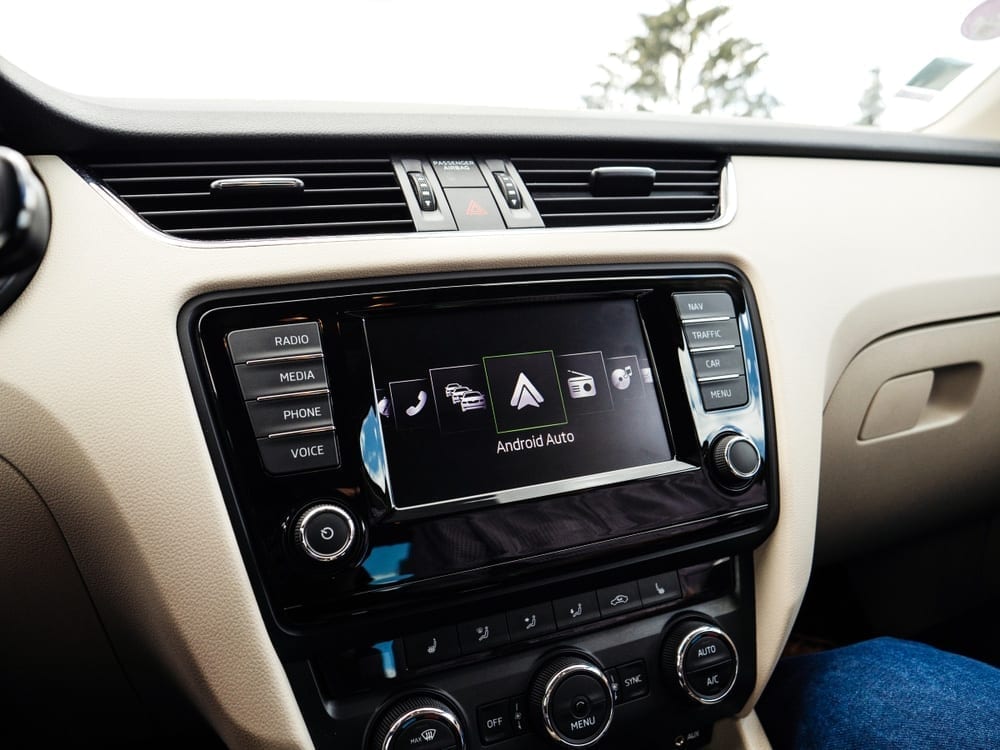
In this article: I share my updated top Wireless Apple CarPlay car stereo/head unit picks with quick, experience-based reviews, photos, my takeaways, and price comparisons to help you buy confidently.
If you're like me and rely on voice-to-text, hands-free calls, real-time navigation and playlists on every drive, Apple CarPlay is the missing piece in your dash. And wireless CarPlay makes it even better—no cable dance every time you start the car.
Practically all new vehicles ship with CarPlay, but a lot of older, great cars don't have it – even as early as 2020 believe it or not. The good news: you don’t need a new vehicle for a modern infotainment experience. Aftermarket head units bring wireless CarPlay, better audio control and expandability to almost any dash.
Below are the wireless CarPlay head units I recommend based on what I’ve tested, installed, and lived with. I keep this list updated so you’ll find current models and practical pros/cons—not just spec sheets.
Unsure whether CarPlay is worth it? Start with my Why You Need Apple CarPlay overview.
Here Are My Recommended Wireless Apple CarPlay Stereos
Best Overall Apple CarPlay Head Unit
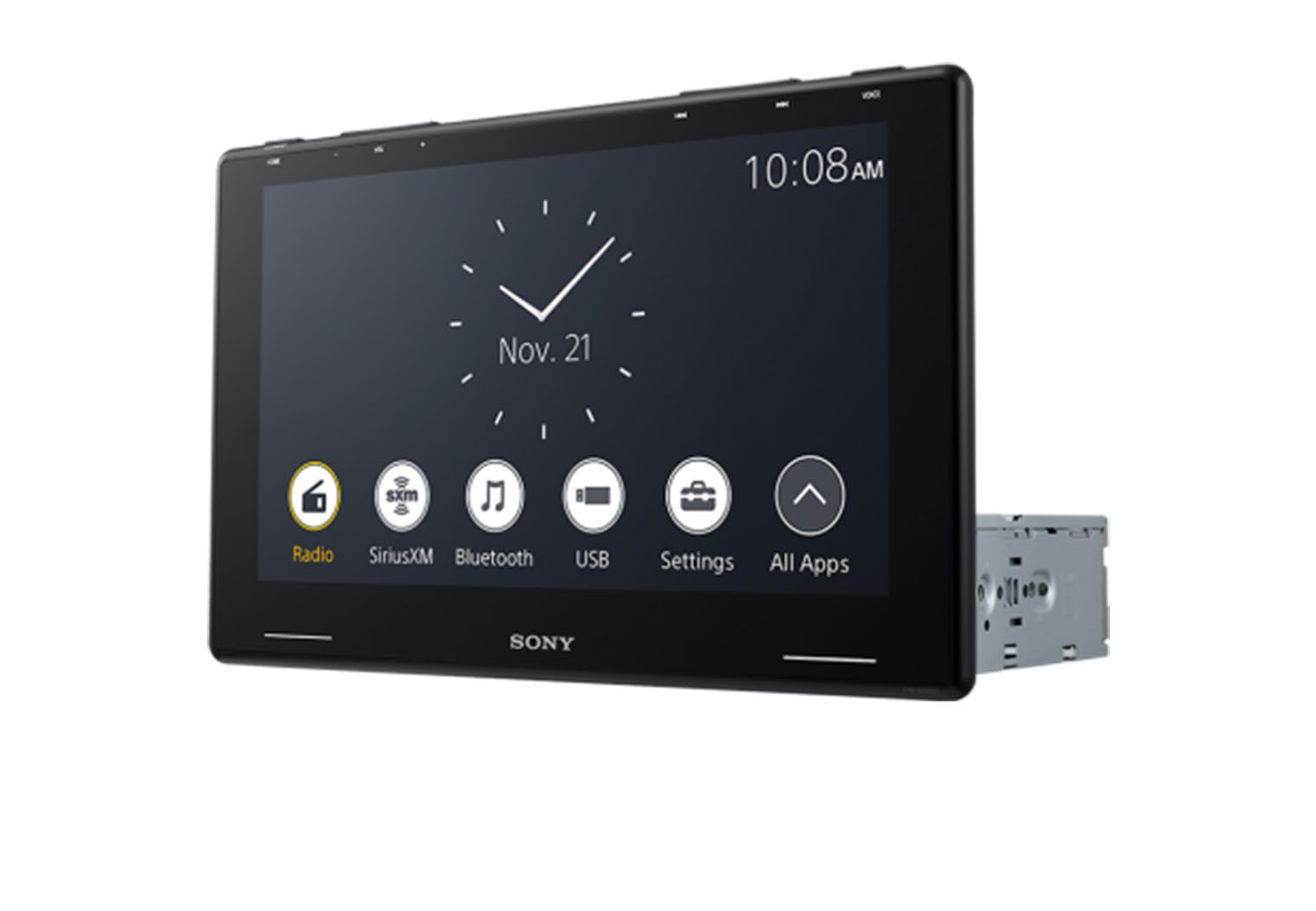
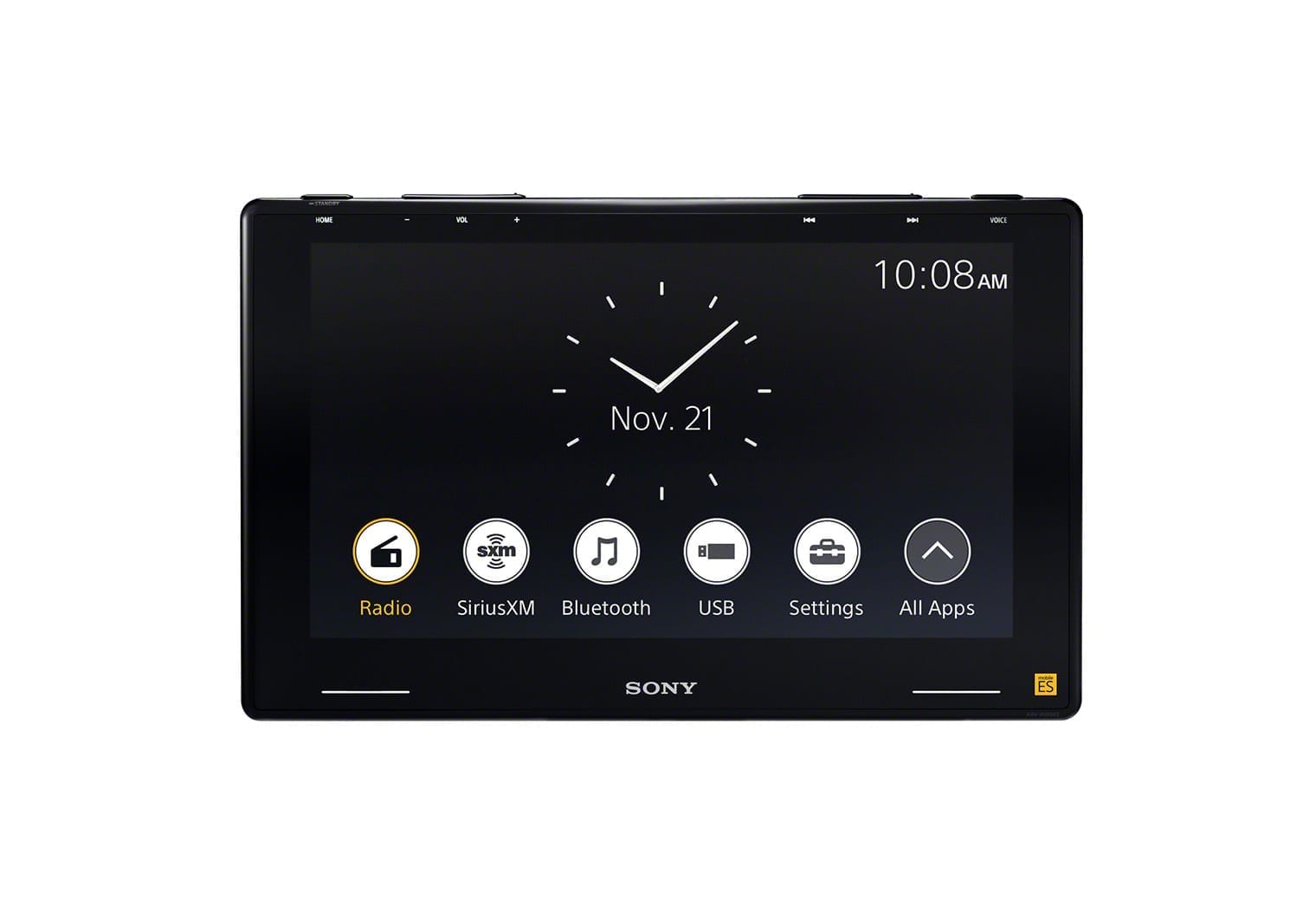
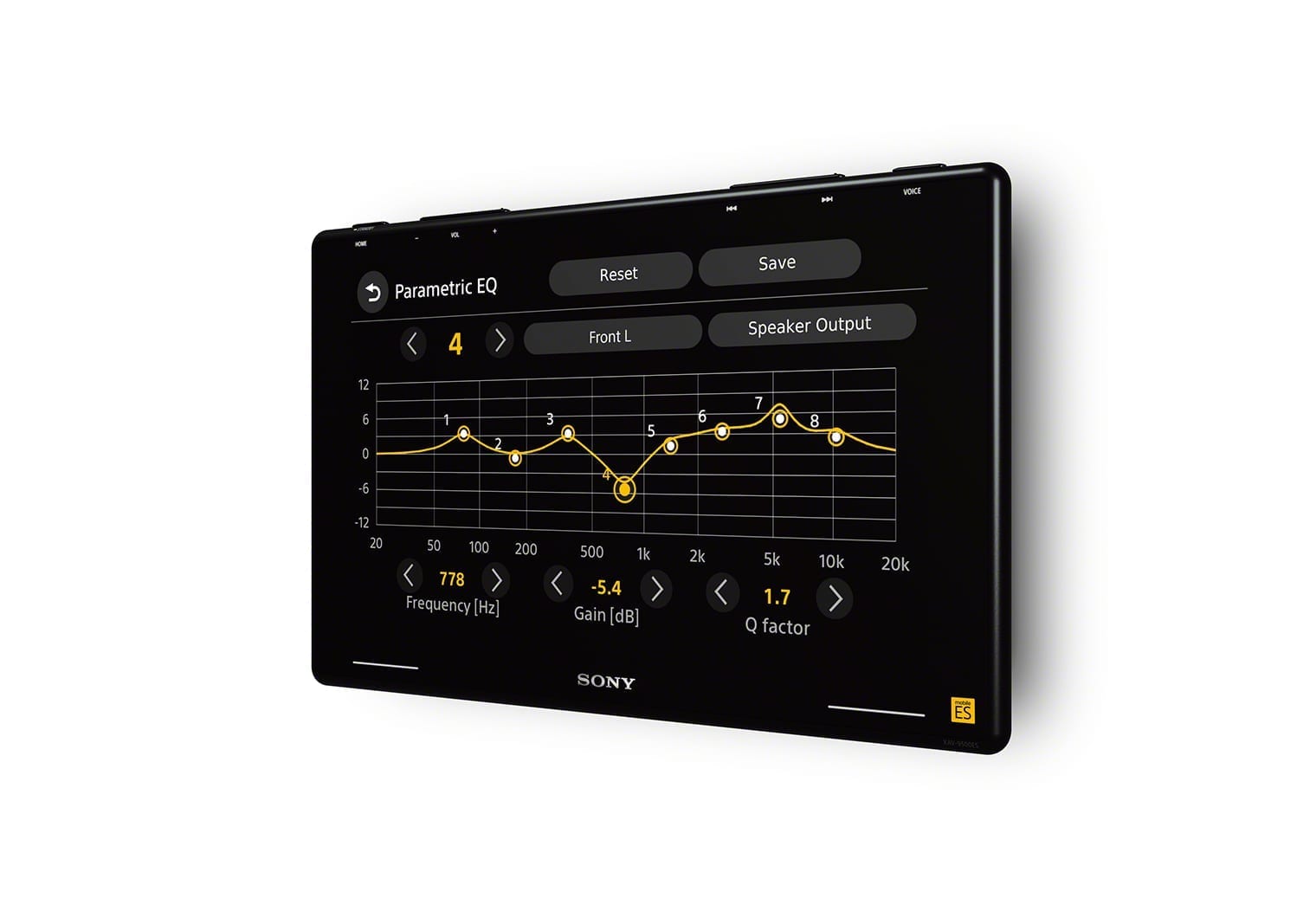
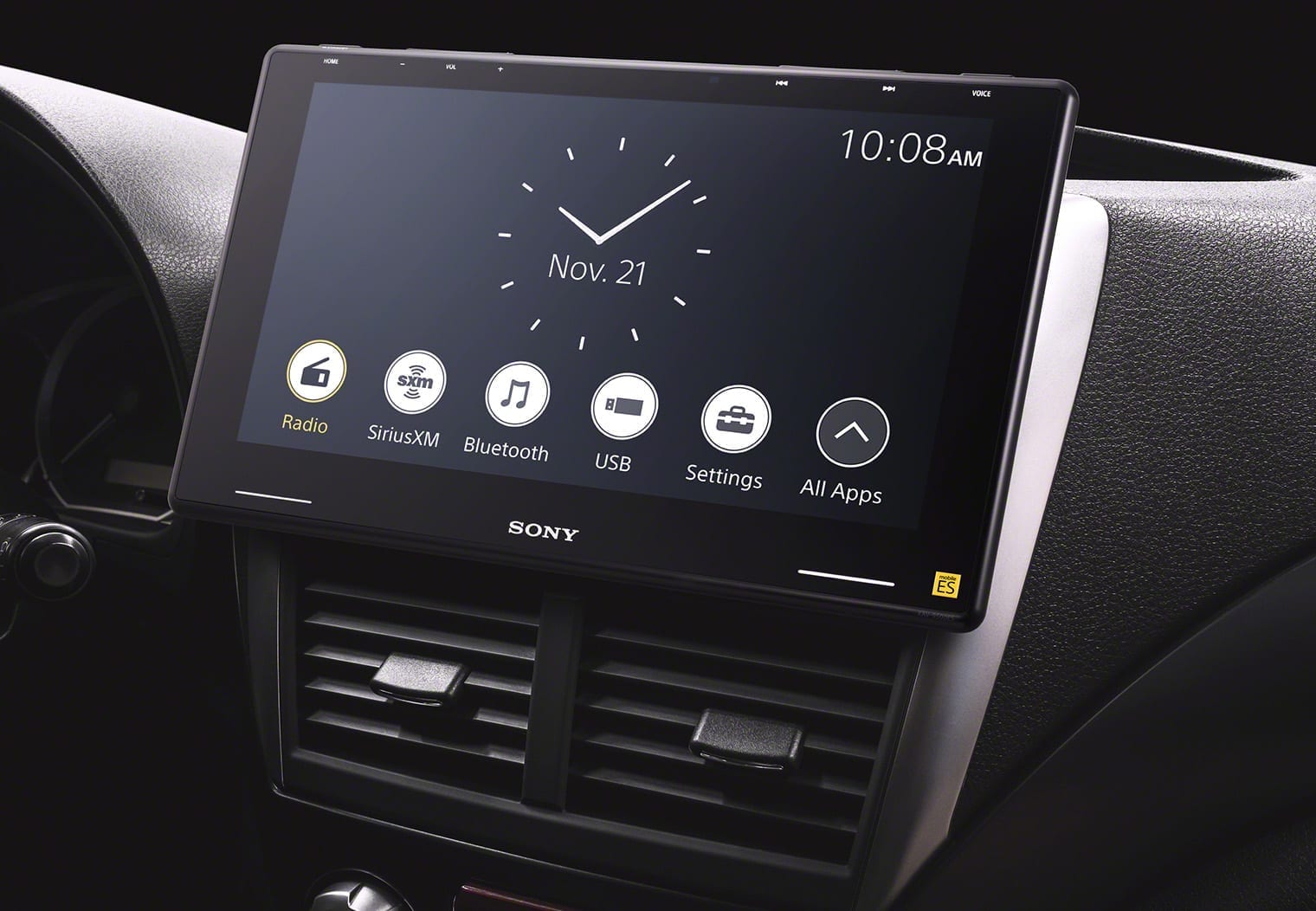
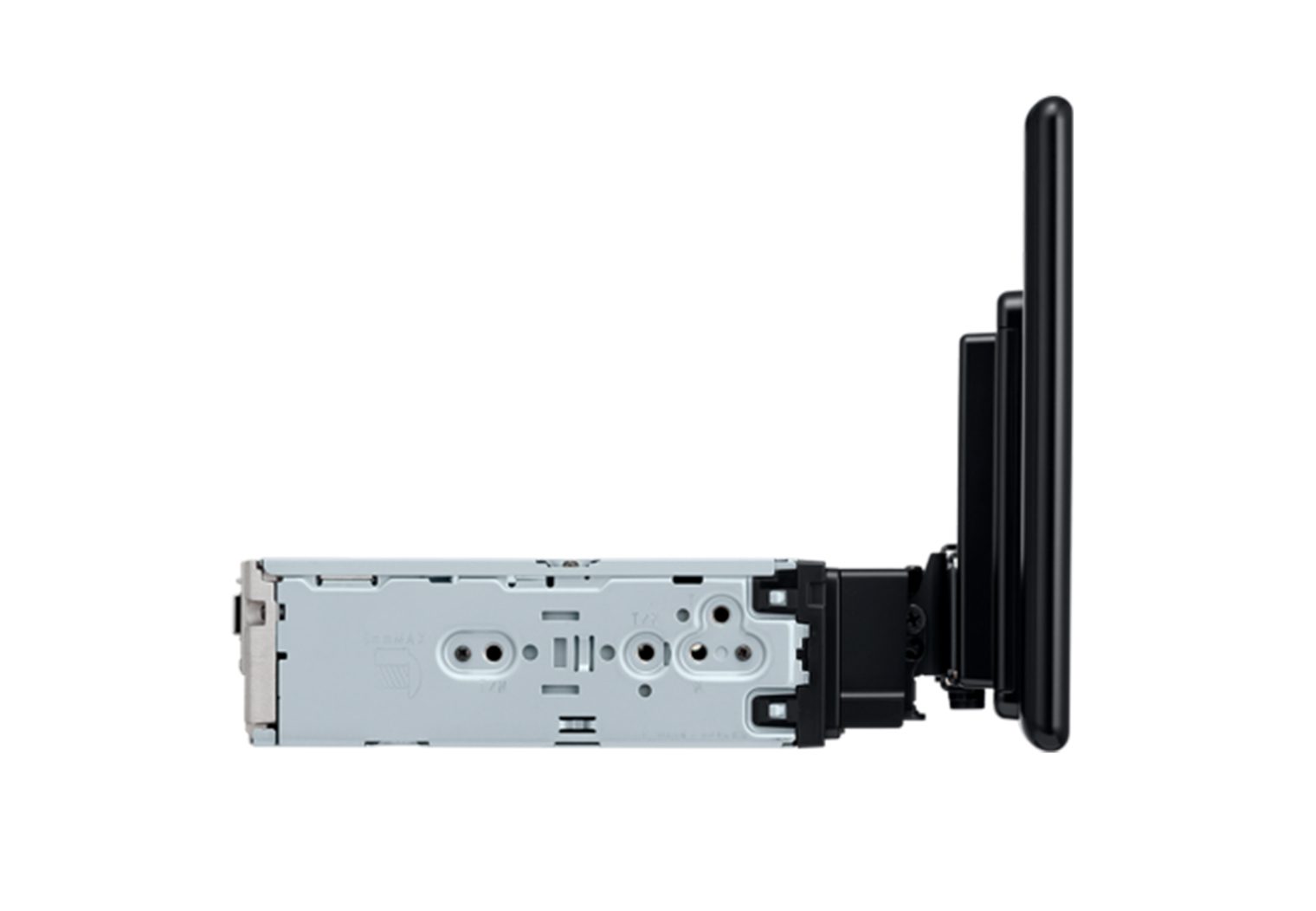
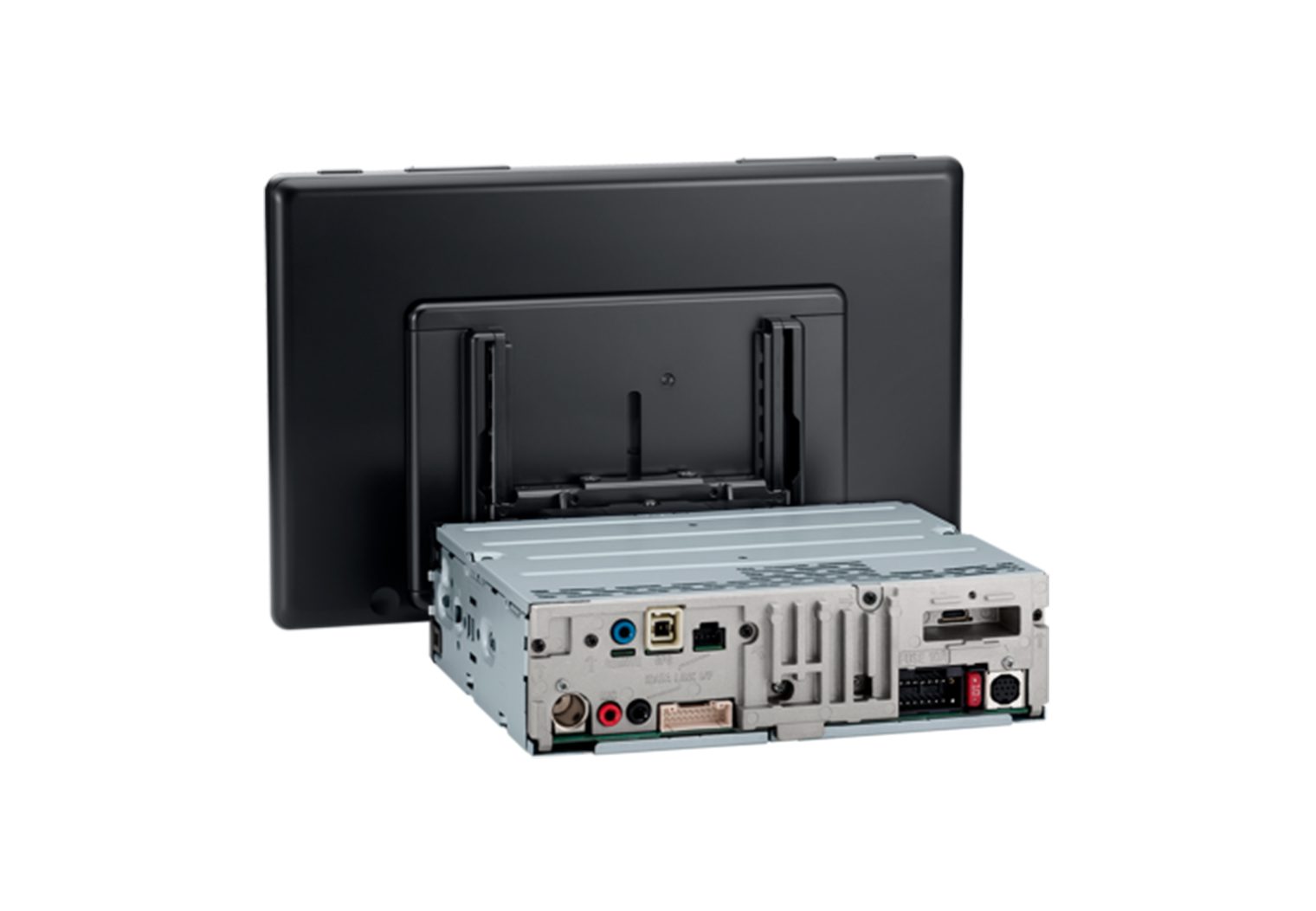
Sony XAV-9500ES
Sony XAV-9500ES Video Review
I unboxed and first-looked the XAV-9500ES on my test bench and walked through the features that matter most. If you want the deeper dive, check out my full write-up here: Sony XAV-9500ES review & demo.
Why I Picked It
The 9500ES is Sony’s Mobile ES flagship. The 10.1″ anti-glare HD display (1280×720) looks fantastic, the single-DIN chassis makes fitment easier, and the audio tools are legit: 14-band graphic EQ + parametric EQ, time alignment, 5V preouts and robust DSP. I originally put this on the bench to tune a demo setup and was impressed by how quickly I could dial in staging and tone. If you care about sound and want wireless CarPlay without sacrificing clean OEM-style integration (iDatalink Maestro compatible), this is the one I reach for first.
Note: It supports wireless CarPlay/Android Auto out of the box and now supports wired CarPlay via the rear USB-C after Sony’s recent firmware update. If you prefer a fixed-screen, check out my XAV-9000ES hands-on too.
Head Unit Details
| Make | Sony |
| Model | XAV-9500ES |
| Head Unit Size | Single DIN (floating 10.1″ display) |
| Screen Size | 10.1″ |
| Screen Type | Capacitive HD anti-glare |
| Screen Resolution | 1280 x 720 |
| CD/DVD | No |
| Smartphone Integration | Wireless Apple CarPlay / Android Auto; wired CarPlay via USB-C (latest firmware) |
| Inputs | Rear USB-C, 3 camera inputs (with triggers) |
| Outputs | 6-ch preamp outputs (5V front/rear/sub) |
| Power Output | ~20W RMS x 4 |
| iDataLink Maestro | Yes |
Reasons to Buy
- Best-in-class tuning (parametric EQ + time alignment)
- Gorgeous 10.1″ anti-glare HD screen with flexible single-DIN fit
- Triple camera inputs for front/side/rear
- Maestro-ready for OEM feature retention
- Now supports wired CarPlay via USB-C (with latest firmware)
Reasons Not to Buy
- Premium price
- No HDMI/video input (audio-first design)
- Floating display look isn’t for everyone
Best Big-Screen Wireless CarPlay Stereo
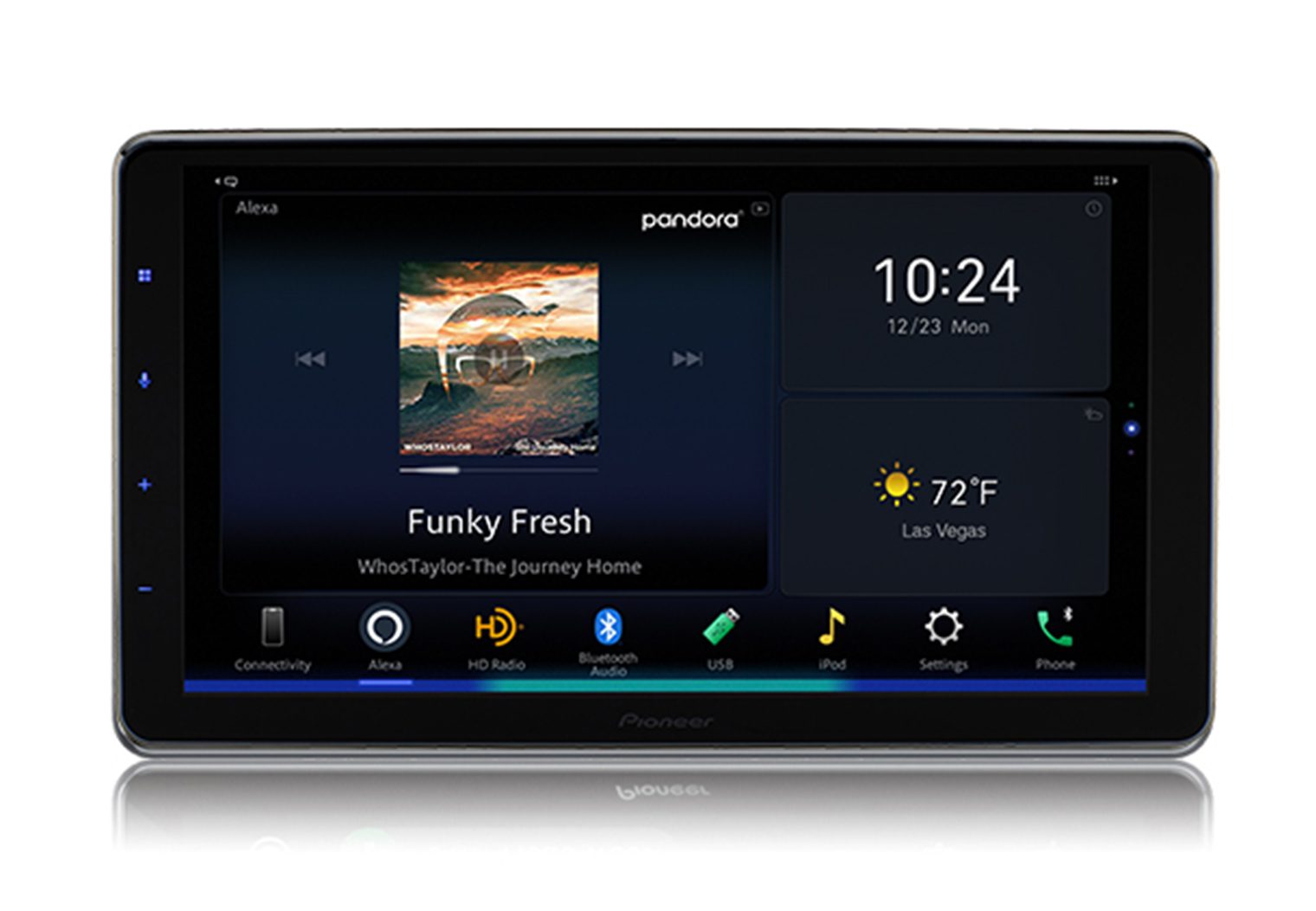
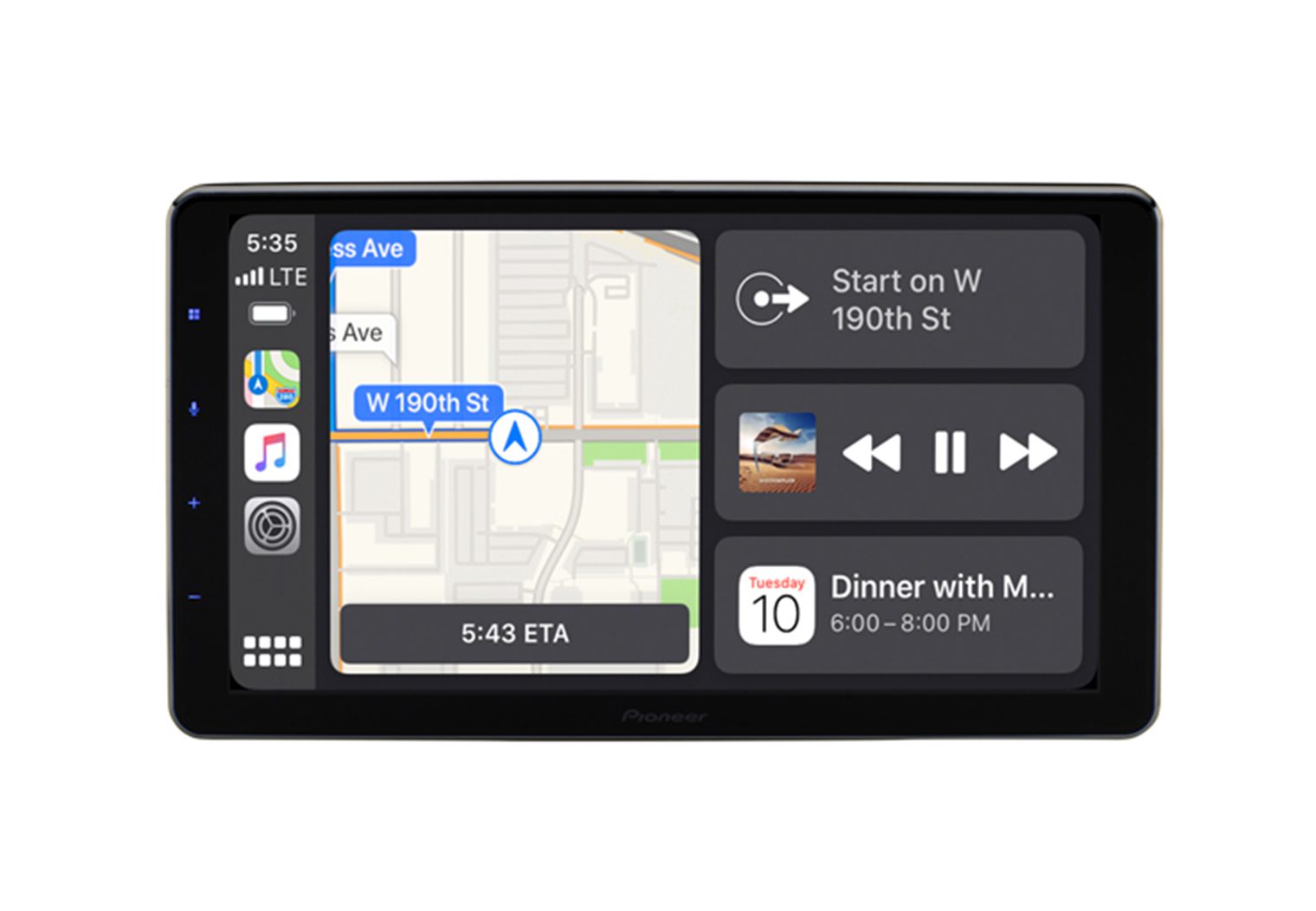
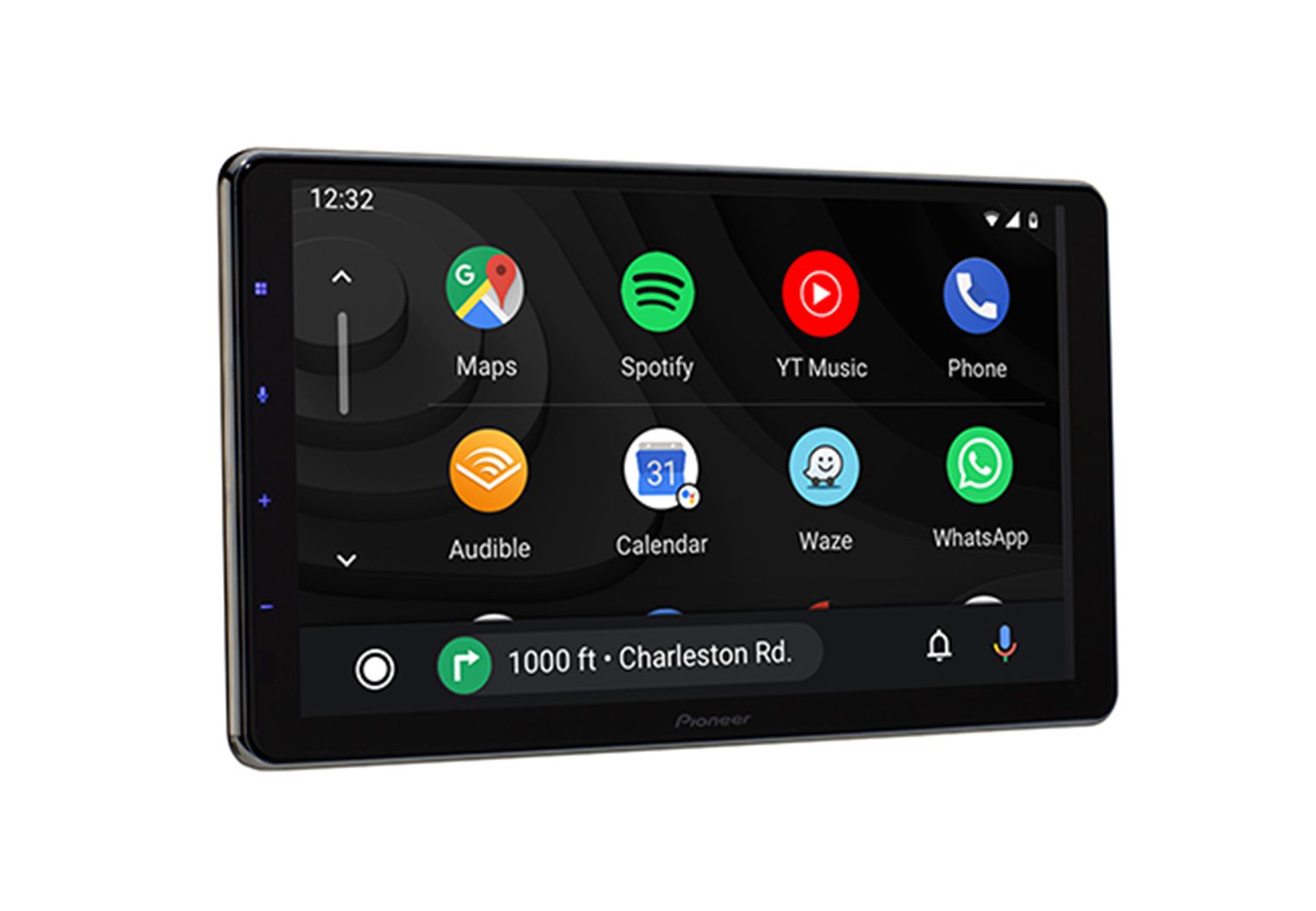
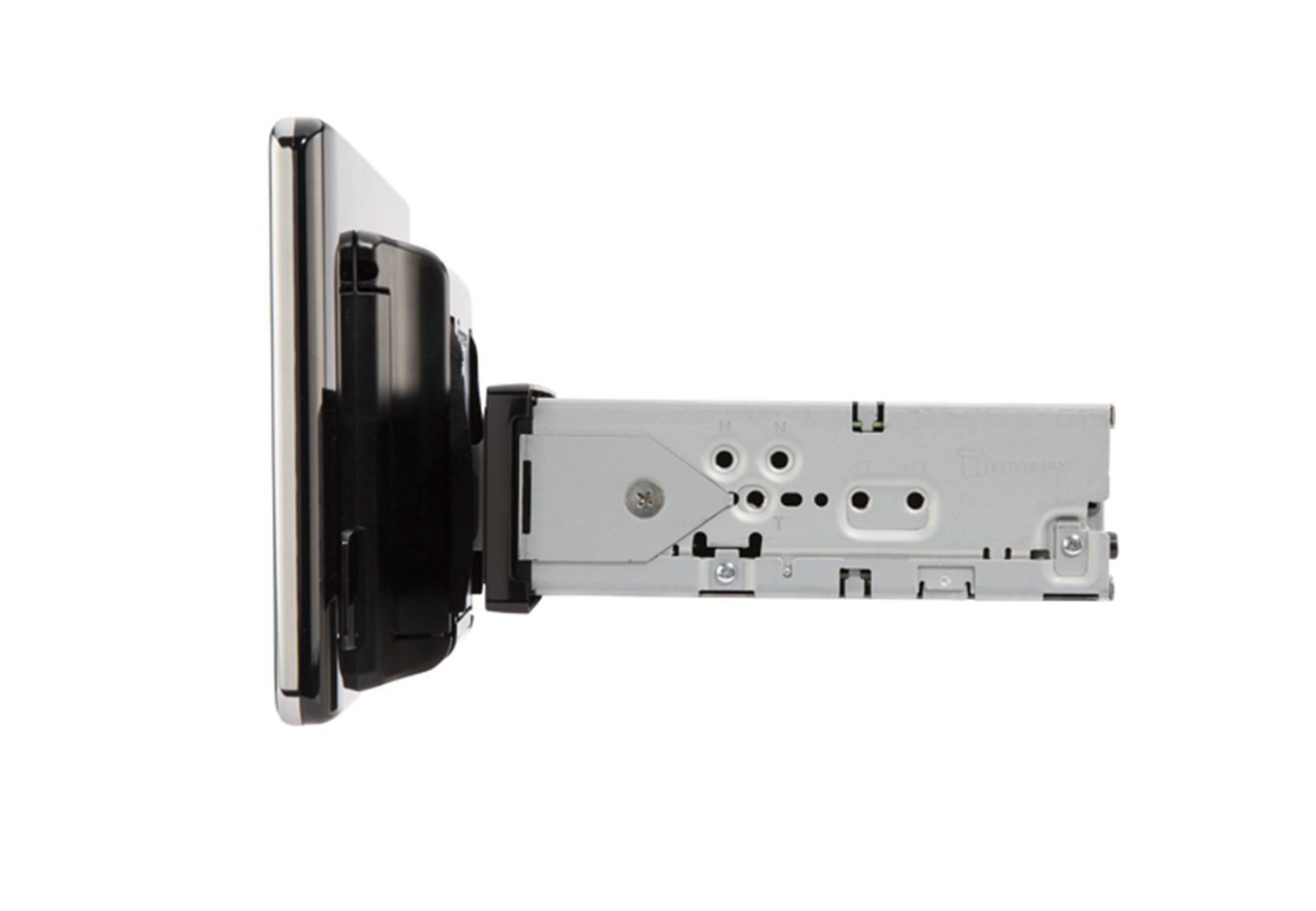
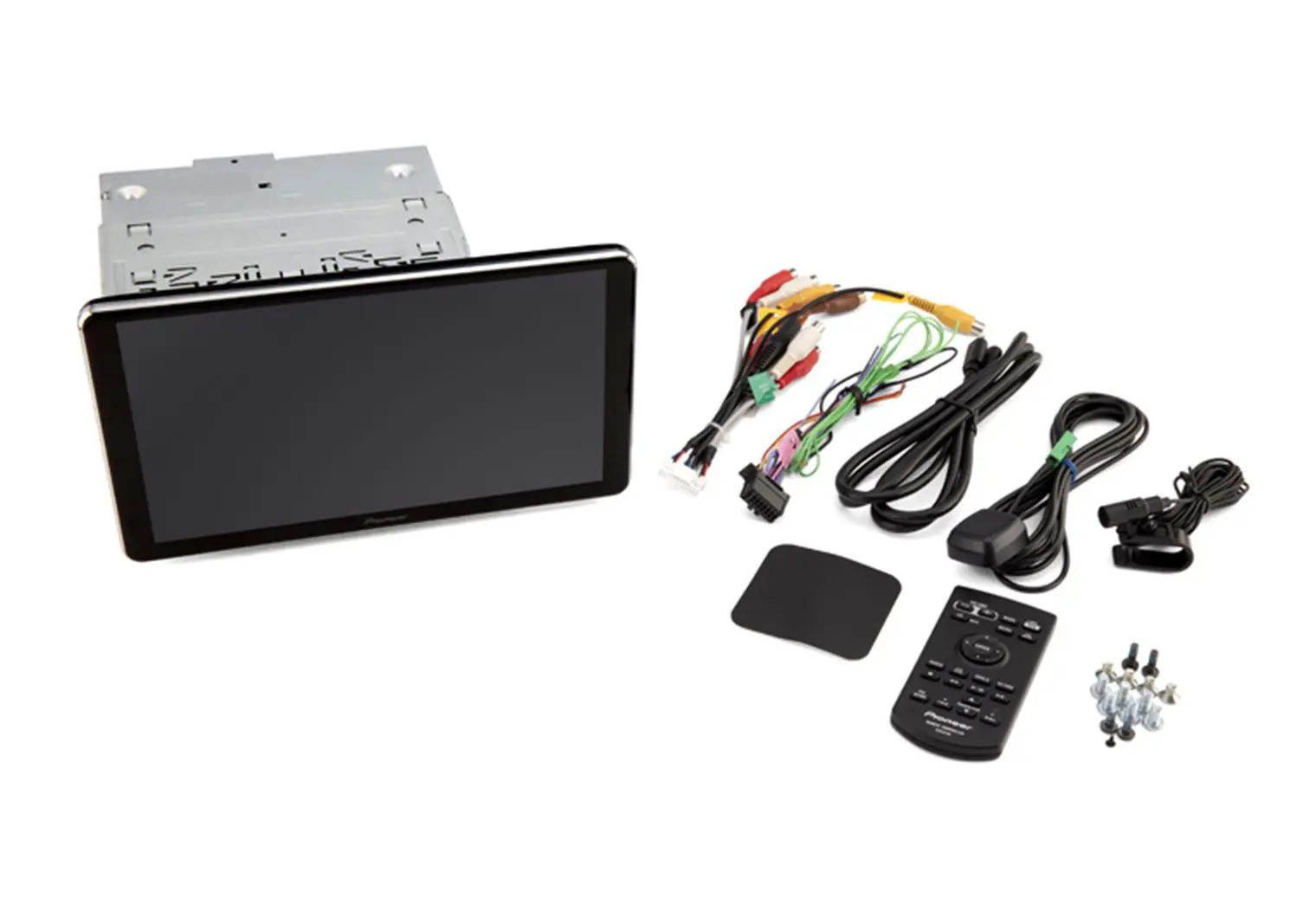
Pioneer DMH-WT8600NEX
Why I Picked It
If you want the biggest, easiest-to-see screen with strong multimedia, Pioneer's 10.1″ floating display nails it. The interface is clean, Alexa is built-in, and the micro-HDMI input + RCA video out make it flexible for rear screens or streaming devices. OTA updates via CarAVAssist keep it fresh, and the single-DIN chassis plus four-way mount help with tricky dashes. It’s not as deep on advanced audio tuning as the Sony, but for movies, mirroring, and day-to-day usability, it’s a joy.
Head Unit Details
| Make | Pioneer |
| Model | DMH-WT8600NEX |
| Head Unit Size | Single DIN (floating 10.1″ display) |
| Screen Size | 10.1″ |
| Screen Type | Capacitive LCD |
| Screen Resolution | 1280 x 720 |
| CD/DVD | No |
| Smartphone Integration | Wireless & wired Apple CarPlay / Android Auto |
| Inputs | Rear micro-HDMI, rear USB-C, rear-view & 2nd camera inputs, rear A/V (3.5mm) |
| Outputs | Video out (RCA), 6-ch preouts (4V front/rear/sub) |
| Power Output | ~14W RMS x 4 |
| iDataLink Maestro | Yes |
Reasons to Buy
- Massive 10.1″ screen with adjustable floating mount
- Micro-HDMI input + RCA video out for rear screens/streamers
- Alexa built-in; OTA firmware via CarAVAssist
- Maestro-ready; USB-C on rear
- Polished, easy interface
Reasons Not to Buy
- Less advanced audio tuning than Sony
- Lower RMS power output than some rivals
- Floating screen can block vents/controls in tight dashes
Best Double DIN Wireless CarPlay Head Unit
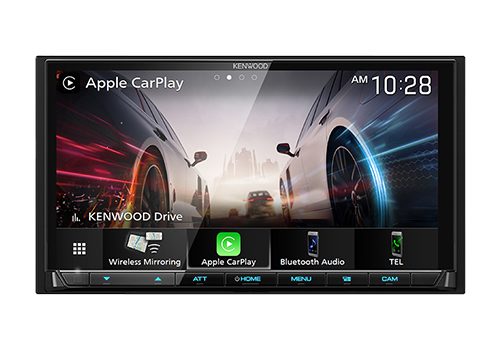
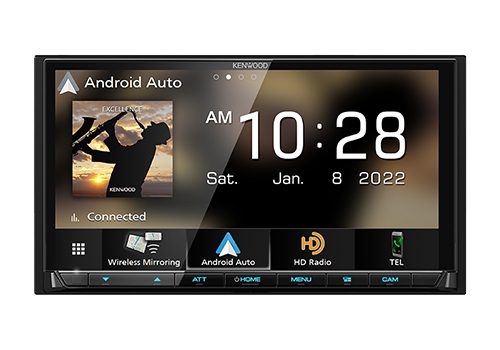
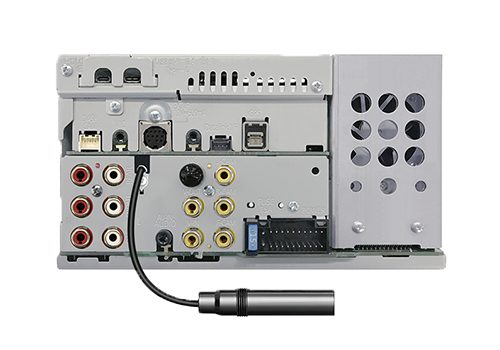
Kenwood Excelon DMX908S
Why I Picked It
Kenwood’s Excelon double-DIN is my go-to when I need a clean, factory-style look with strong expandability and very good audio tools. The latest DMX908S (the successor to DMX907S) adds USB-C and keeps the 4 camera inputs, wireless/wired CarPlay & Android Auto, 5V preouts, time alignment and a 13-band EQ. It sits in between Sony and Pioneer: more audio-focused than Pioneer, more multimedia than Sony. If you want a traditional 2-DIN (no floating screen) with room to grow, this is an easy yes.
Head Unit Details
| Make | Kenwood (Excelon) |
| Model | DMX908S (successor to DMX907S) |
| Head Unit Size | Double DIN |
| Screen Size | 6.95″ |
| Screen Type | Capacitive (WVGA) |
| Screen Resolution | 800 x 480 |
| CD/DVD | No |
| Smartphone Integration | Wireless & wired Apple CarPlay / Android Auto |
| Inputs | Dual rear USB (incl. USB-C), 4 camera inputs, analog A/V in |
| Outputs | Rear A/V out, 6-ch preouts (5V front/rear/sub) |
| Power Output | ~22W RMS x 4 |
| iDataLink Maestro | Yes |
Reasons to Buy
- Traditional 2-DIN look with excellent expandability (4 cameras)
- Strong audio feature set (time alignment, 5V preouts)
- USB-C + wireless/wired CarPlay & Android Auto
- Great pick for amplified systems
Reasons Not to Buy
- WVGA resolution isn’t as crisp as the Sony/Pioneer HD panels
- No HDMI; relies on analog A/V and mirroring
- Interface is functional but less flashy than Pioneer
Shopping widget note: If you still see DMX907S in some retailer listings, the DMX908S is the updated model with USB-C. Either will fit and function similarly; I recommend the 908S when available.
Cheap Choice – Wireless CarPlay Head Unit
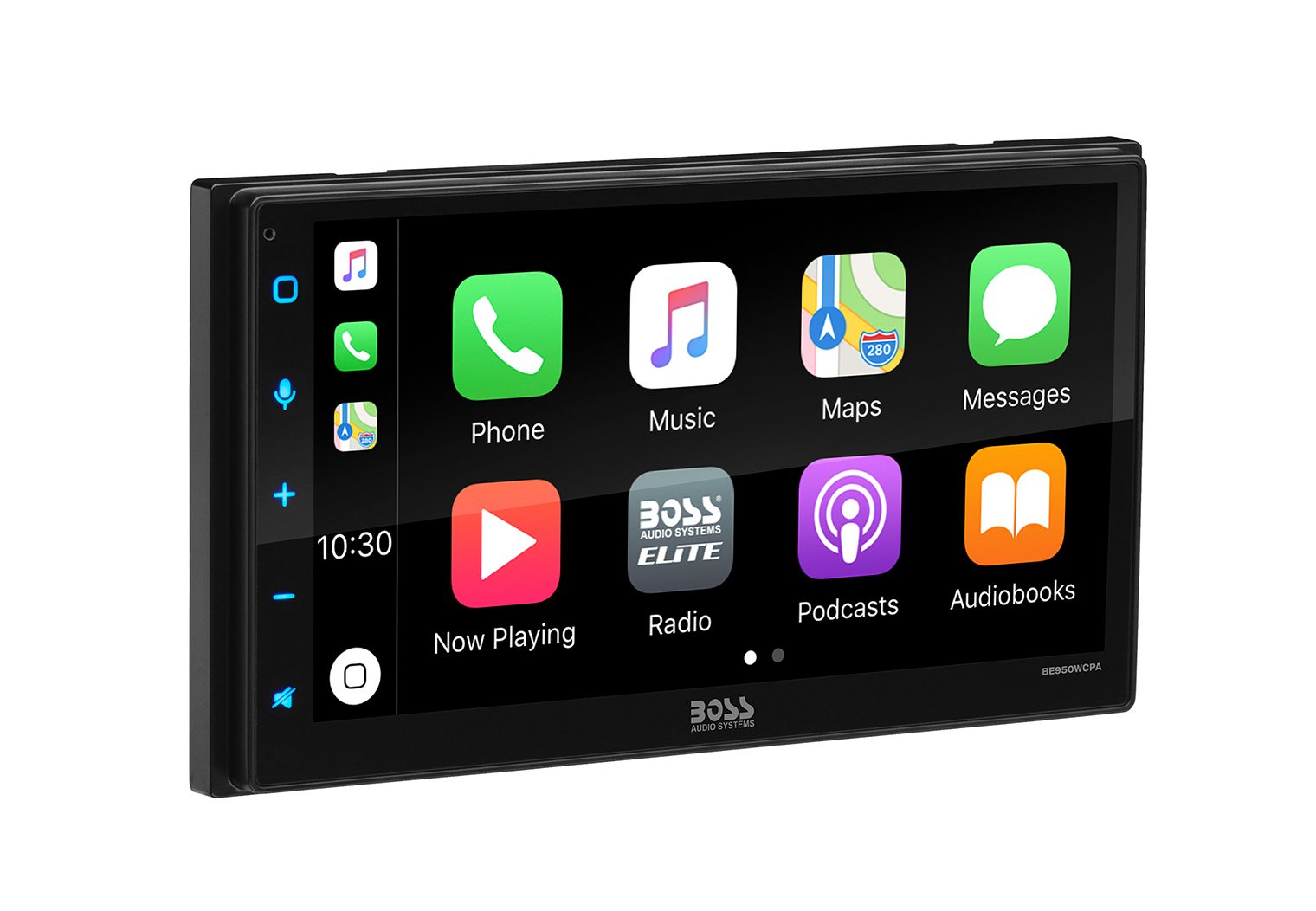
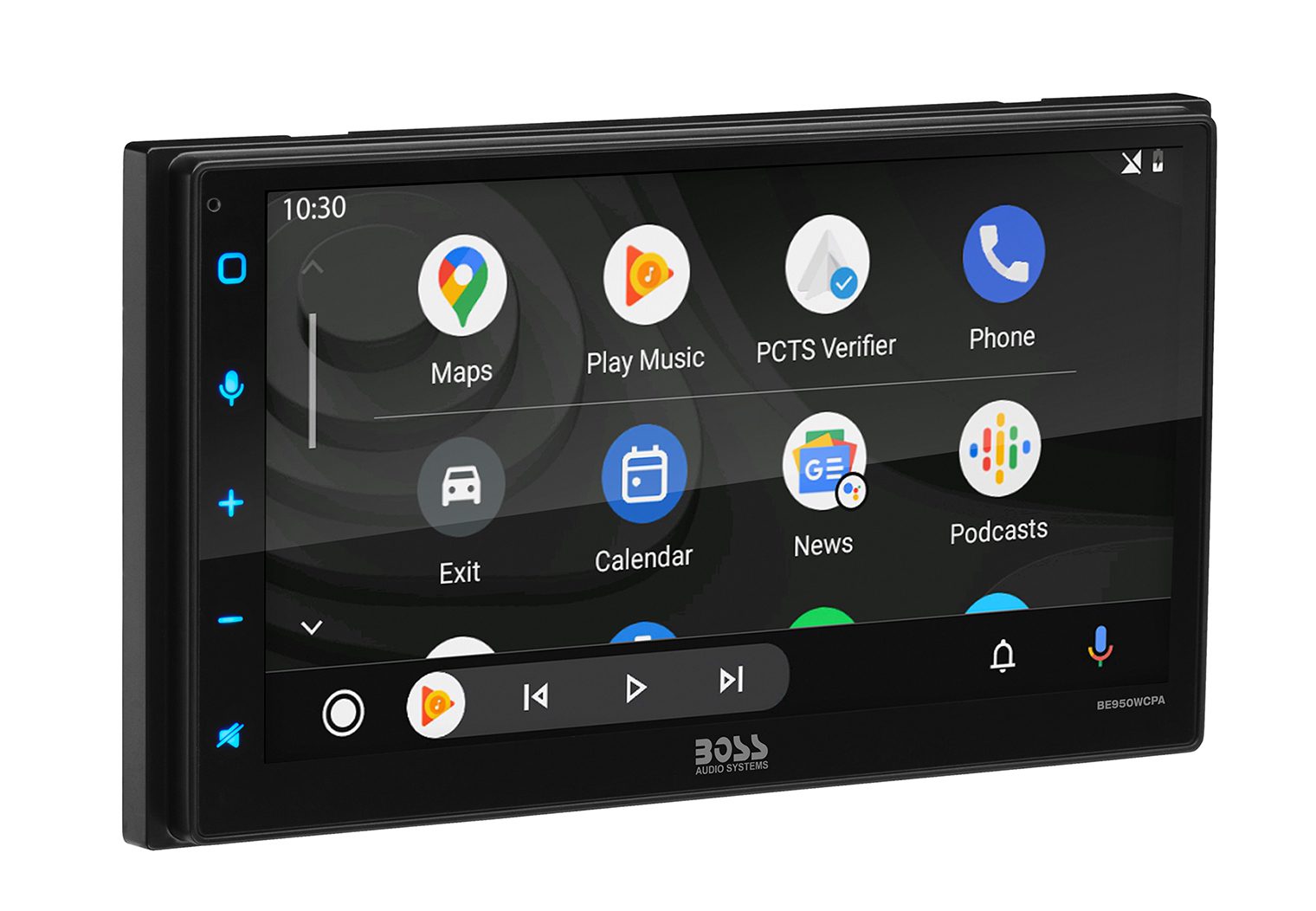
Boss BE950WCPA
Why I Picked It
When budget is the decider, this Boss gives you the core experience: wireless CarPlay/Android Auto on a 6.75″ capacitive screen, Bluetooth, simple menus, and enough power to run factory speakers. The interface won’t wow you, and you won’t get high-end DSP or HDMI, but for basic CarPlay on a tight budget it checks the boxes.
Head Unit Details
| Make | Boss |
| Model | BE950WCPA |
| Head Unit Size | Double DIN |
| Screen Size | 6.75″ |
| Screen Type | Capacitive |
| Screen Resolution | 800 x 480 |
| CD/DVD | No |
| Smartphone Integration | Wireless & wired Apple CarPlay / Android Auto |
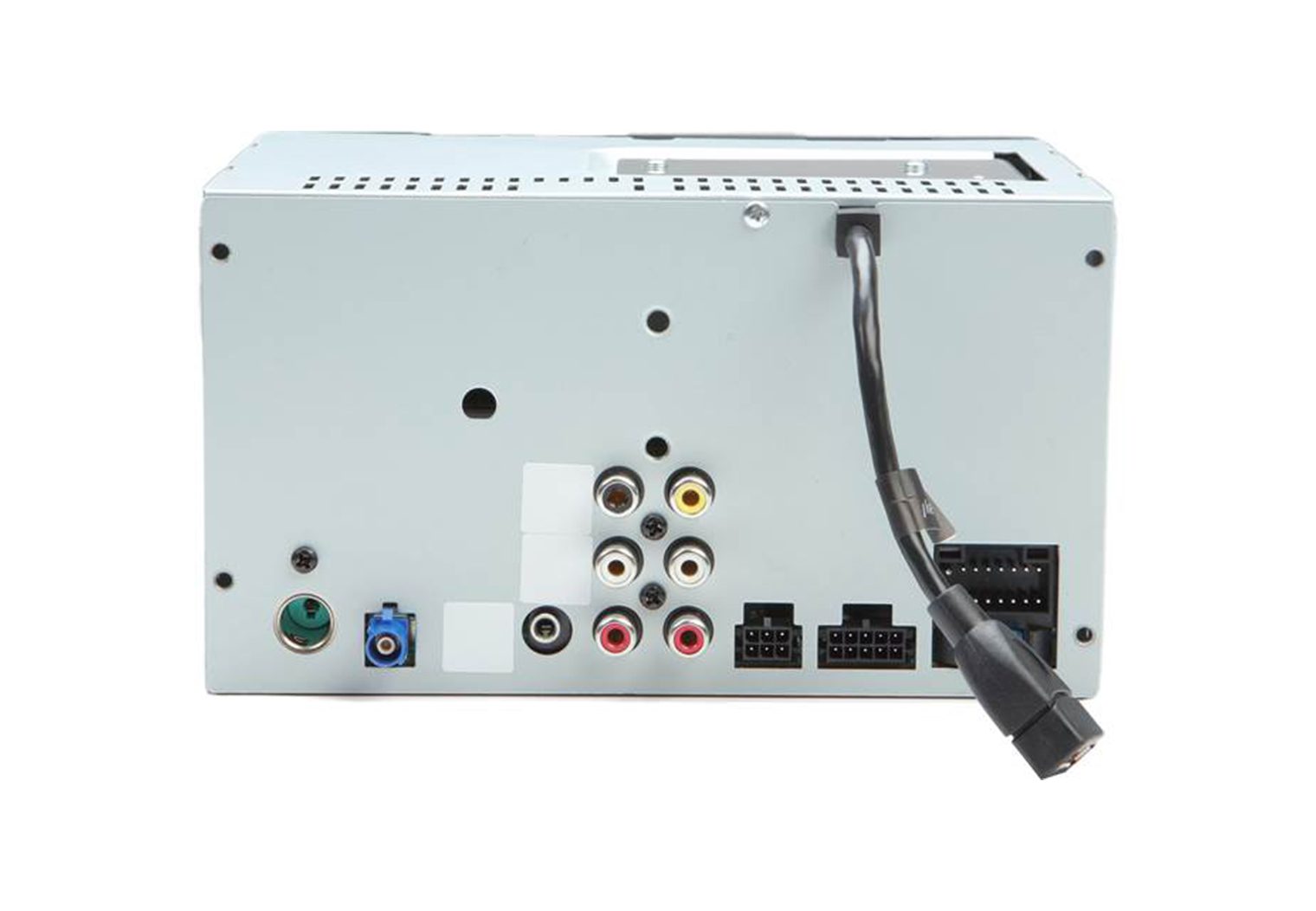
| Inputs | Rear USB, rear AUX, 2 camera inputs |
| Outputs | 5-ch preouts (approx. 2V front/rear + mono sub) |
| Power Output | ~20W RMS x 4 |
| iDataLink Maestro | No |
Reasons to Buy
- Lowest price on this list for true wireless CarPlay
- Simple, straightforward UI
- Two camera inputs for front/rear
- Good match for non-amplified systems
Reasons Not to Buy
- Entry-level audio controls and UI
- No HDMI; limited multimedia options
- Not compatible with iDatalink Maestro
Best Multimedia Wireless Apple CarPlay Head Unit
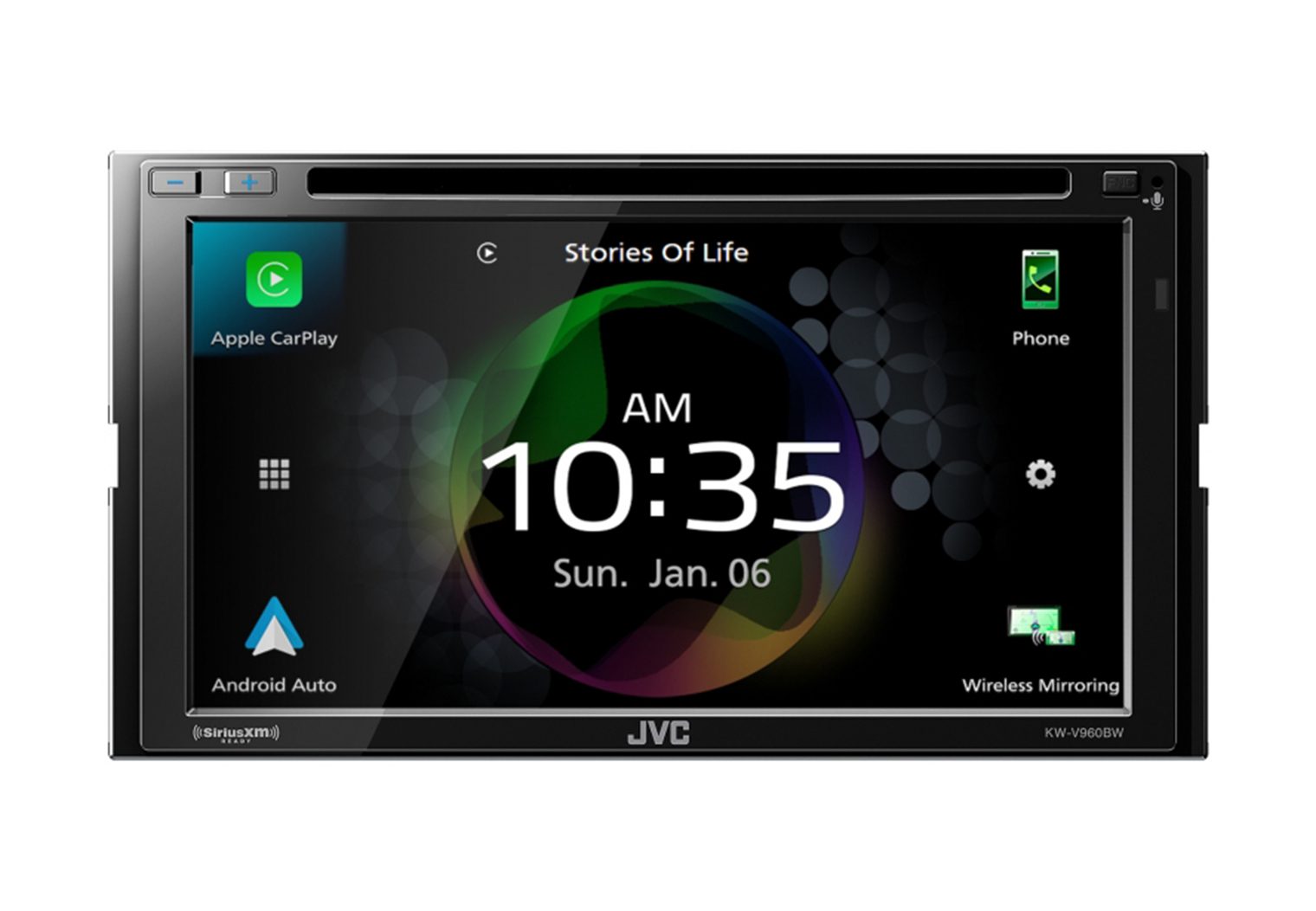
JVC KW-V960BW
Why I Picked It
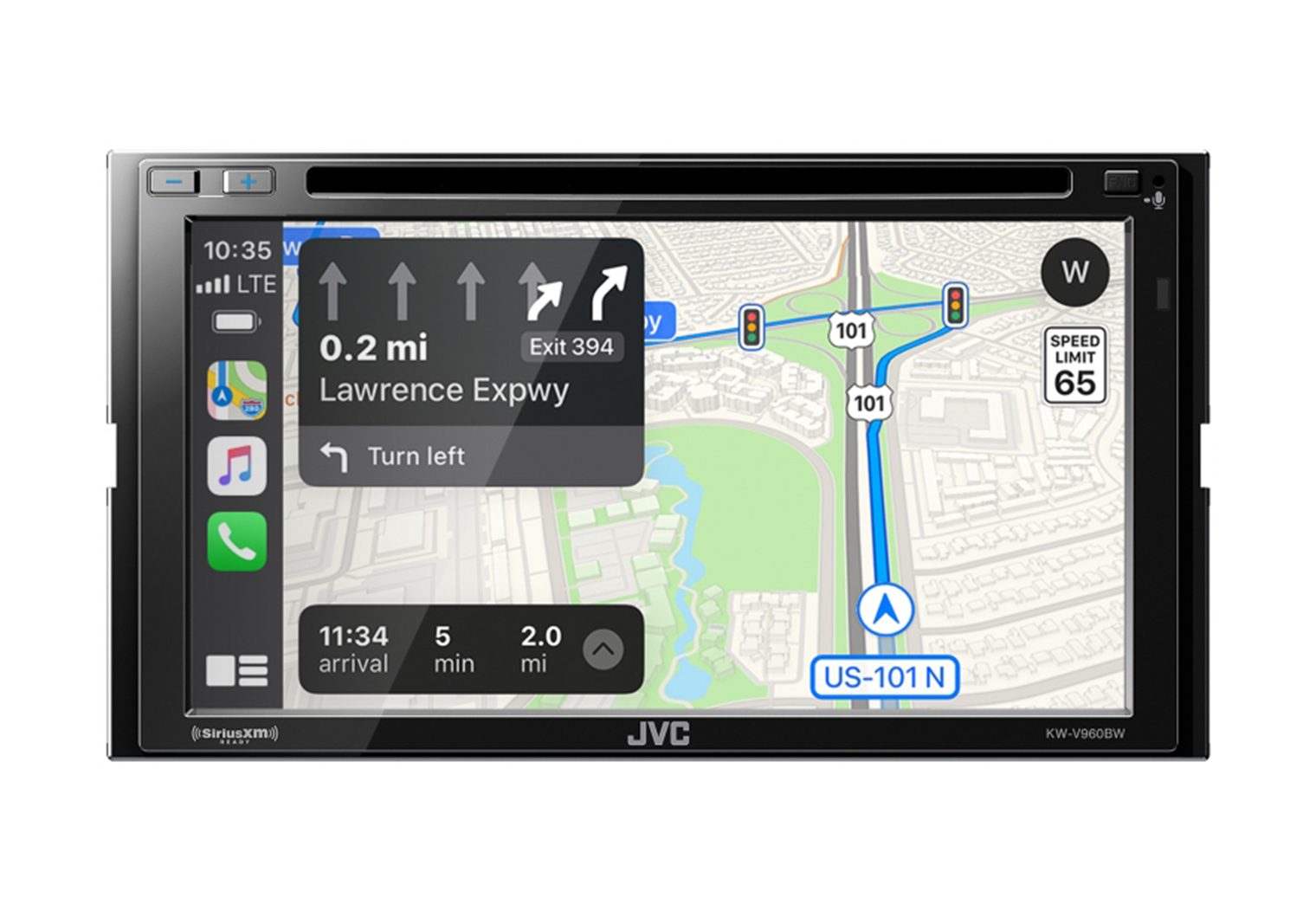
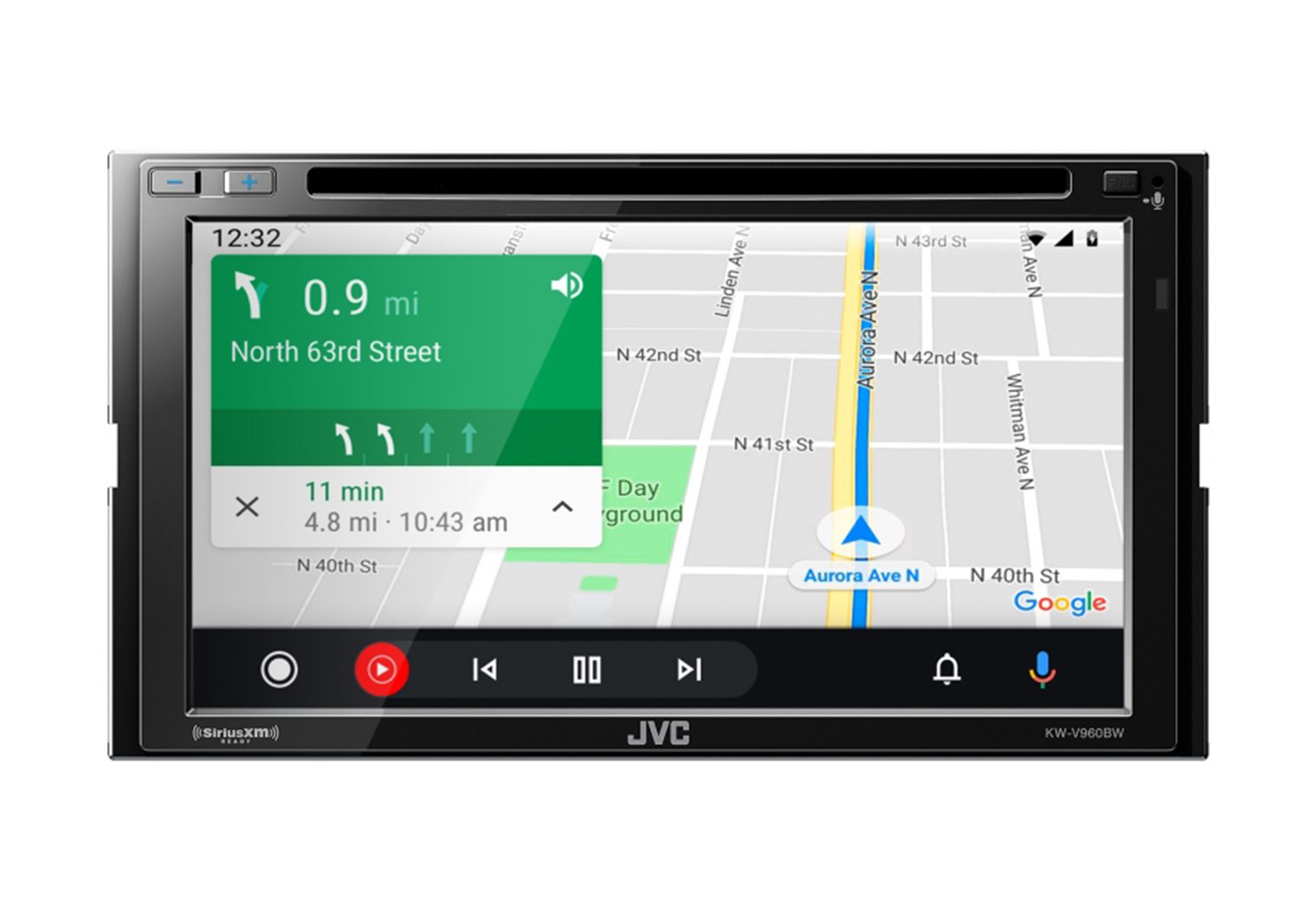
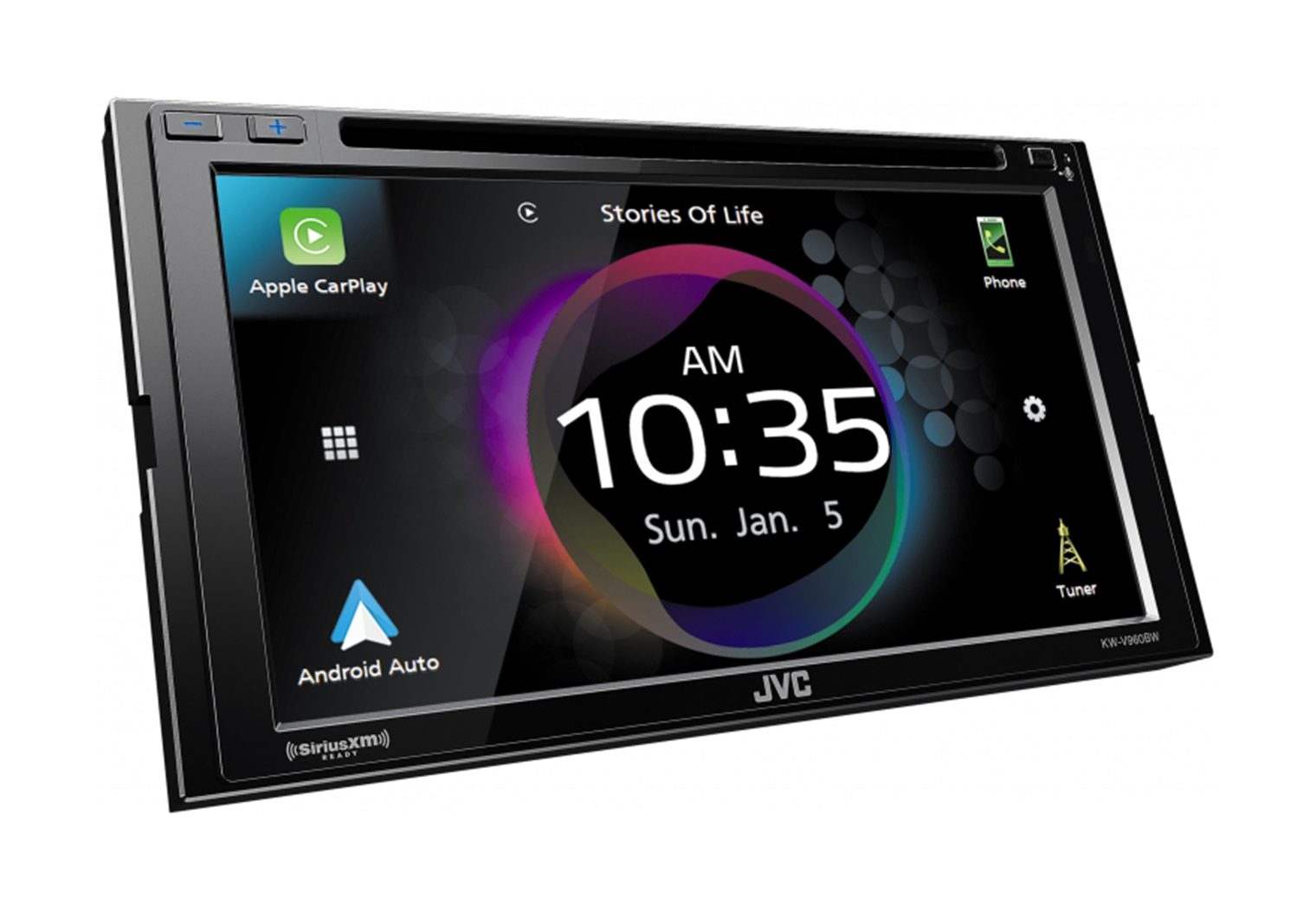
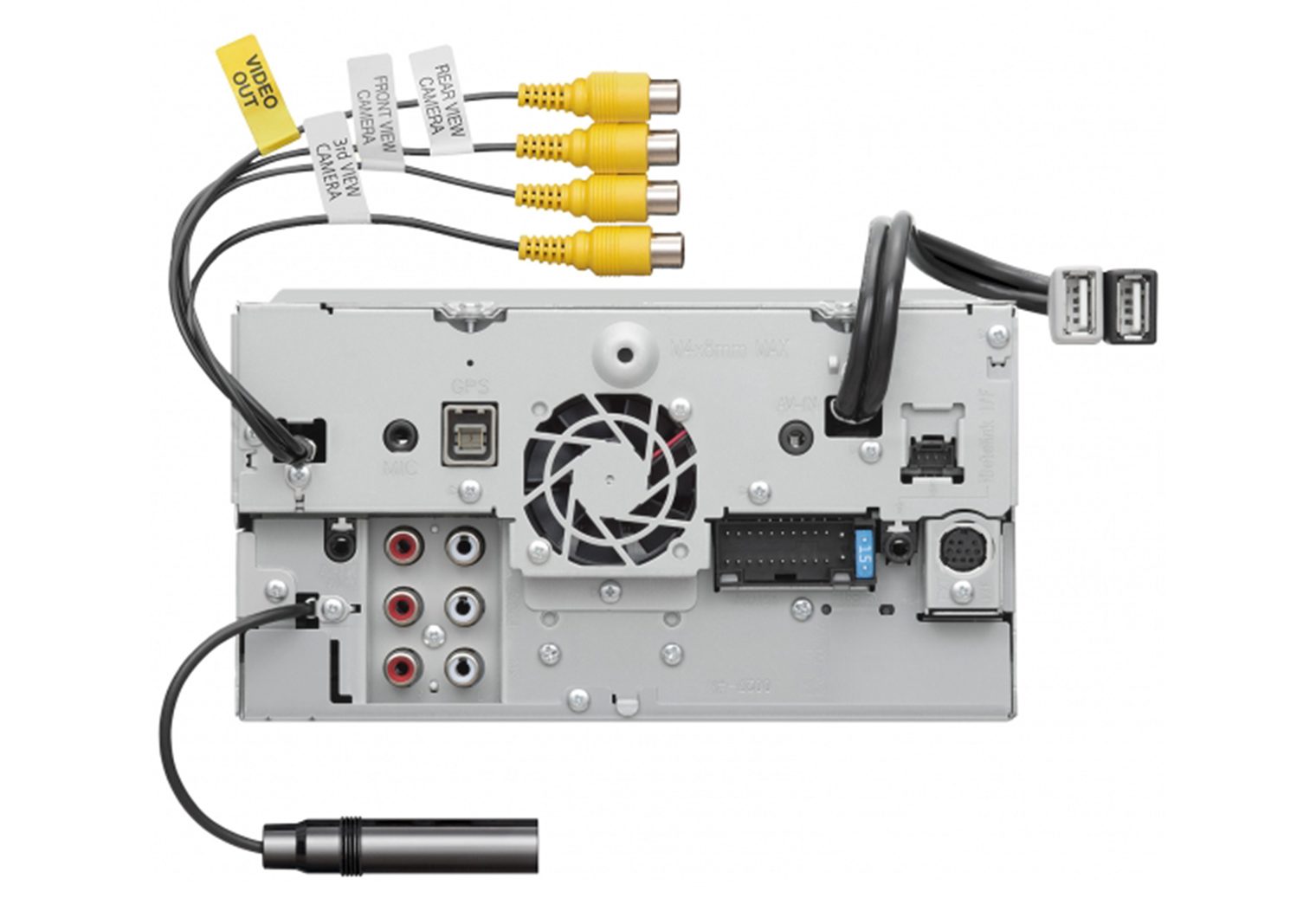
Want wireless CarPlay and a built-in DVD/CD? That’s why the V960BW stays on this list. It’s a true multimedia unit with 4 camera inputs, multi-phone Bluetooth (great for road trips), and solid audio features (13-band EQ, time alignment, 5V preouts). The 6.8″ clear resistive screen isn’t as slick as capacitive, but responds well and plays nicely with gloves/stylus. If you don’t need the disc slot, JVC’s KW-M865BW is the near-twin without DVD.
Head Unit Details
| Make | JVC |
| Model | KW-V960BW |
| Head Unit Size | Double DIN |
| Screen Size | 6.8″ |
| Screen Type | Clear Resistive |
| Screen Resolution | 800 x 480 |
| CD/DVD | Yes |
| Smartphone Integration | Wireless & wired Apple CarPlay / Android Auto |
| Inputs | Dual rear USB, mini A/V in, 4 camera inputs |
| Outputs | Rear A/V out, 6-ch preouts (5V front/rear/sub) |
| Power Output | ~22W RMS x 4 |
| iDataLink Maestro | Yes |
Reasons to Buy
- Wireless CarPlay with built-in DVD/CD
- Connect up to four cameras
- Good multi-phone Bluetooth for shared DJ duty
- 5V preouts + time alignment for better system tuning
Reasons Not to Buy
- Resistive screen feel and WVGA resolution
- No HDMI input
- Double-DIN fit only (no single-DIN dashes)
Head Unit Removal and Installation
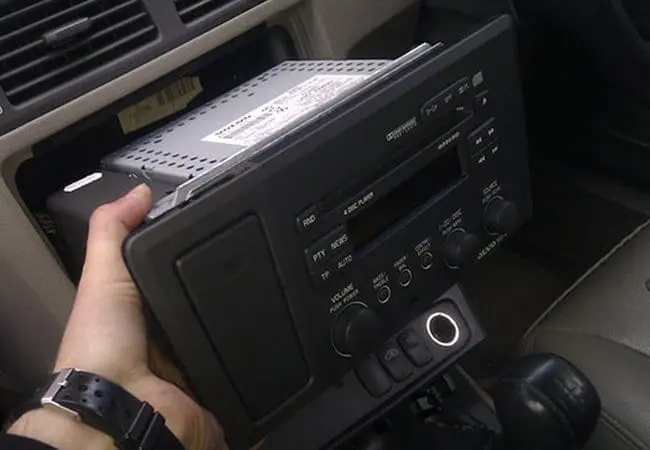
If you’re installing a head unit yourself, take photos as you go—what you remove, you’ll reverse to install. Disconnect the negative battery cable first to protect fuses and modules.
Spring-clip radios use dash removal keys. Insert until they click, spread slightly and pull the radio out.
Bolted-in radios often require trim removal. For vehicle-specific dash kit and trim steps, I’ll usually look up the kit on metraonline.com and follow the PDF in the kit listing. Once trim is off, remove the screws, slide the radio out, unplug the harness and antenna, and remove any side rails or brackets you’ll reuse.
Use a vehicle-specific harness when possible and merge it with the head unit pigtail (crimps or my preferred solder-seal connectors). Here’s a quick refresher on aftermarket stereo wire colors. If you’re integrating steering-wheel controls/vehicle data, confirm your radio is iDatalink Maestro-ready and reference the module’s vehicle-specific guide for programming and plug locations.
Most video-capable units require a parking brake connection to enable video. Follow local laws. After wiring, test everything (including camera triggers) before buttoning up the dash.
For camera selection and installs, I have two solid resources: my backup camera buying guide and a step-by-step on installing wired/wireless cameras.
About this List
I take these roundups seriously. Picks are based on my bench tests, real installs when possible, and ongoing research across firmware updates and retailer availability. Use this as a trusted, current snapshot of wireless CarPlay head units worth your money. For broader coverage (single-DIN, mechless, DVD, etc.), see my parent guide: Best Car Stereos & Head Units (Tested), and my standalone reviews like the Sony XAV-9500ES review and Pioneer DMH-2660NEX review.
Tip: If you’re adding multiple cameras, dash cams or rear screens, plan your inputs/outputs ahead of time. Kenwood and JVC excel at multi-camera setups; Pioneer is best for HDMI-in + video-out; Sony is the audio-tuning king with three camera inputs.